Everyday work
Calls: outcomes, transcripts and recordings
Every call to your business numbers is listed with a short AI summary. Open one to read the full transcript or listen to it.
Steps
-
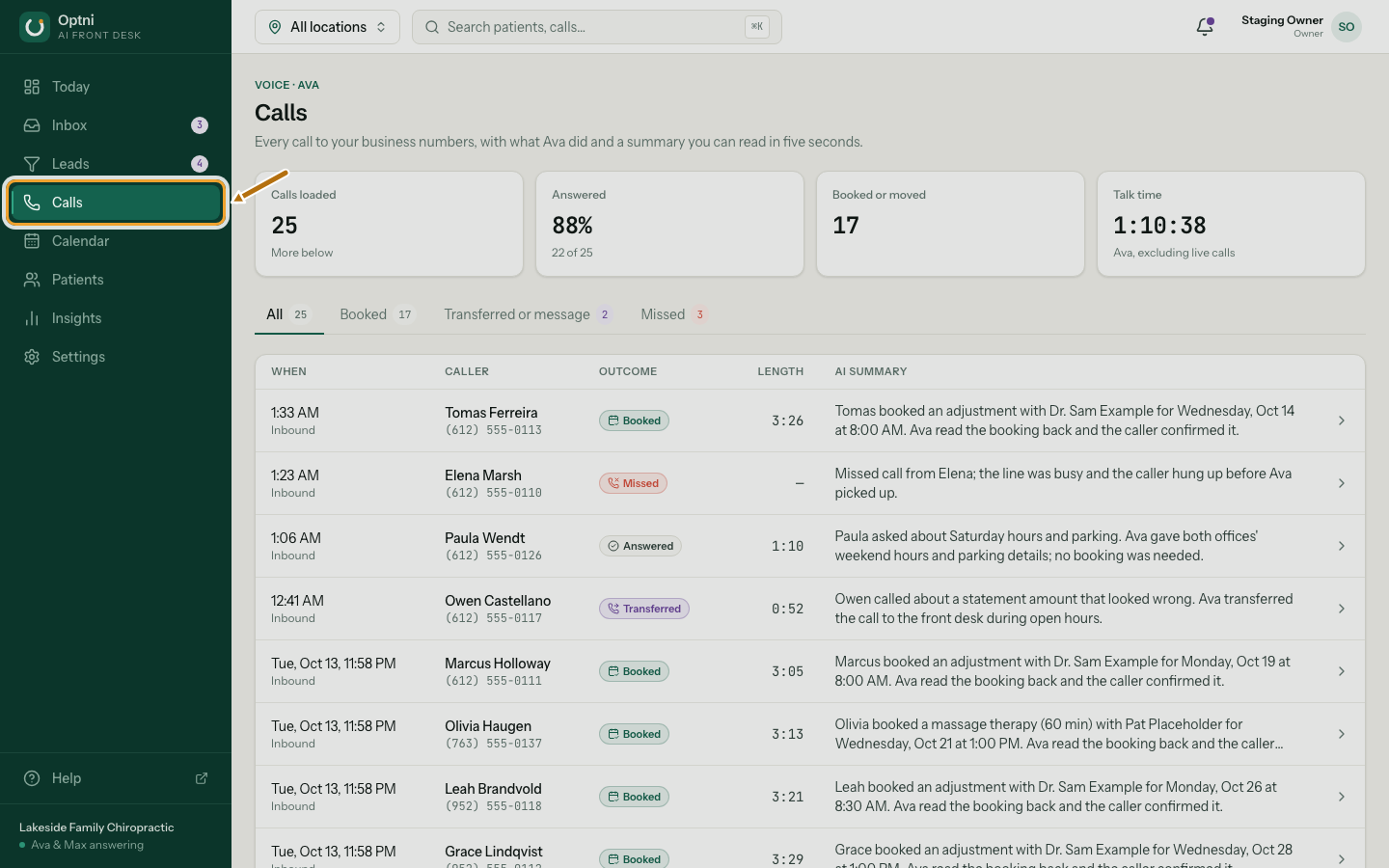
Step 1: Select Calls in the sidebar.
-
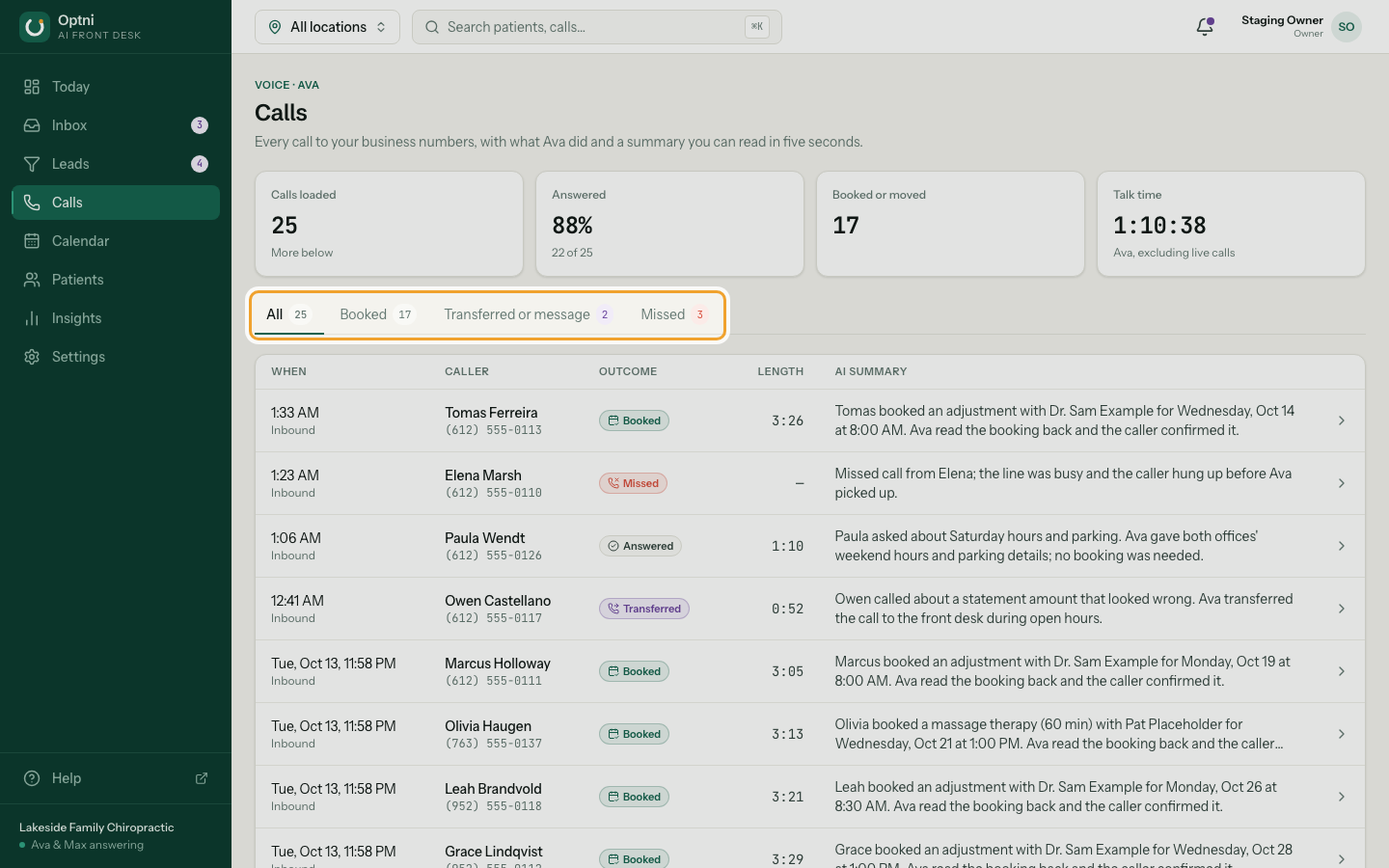
Step 2: Filter with the tabs: Booked, Transferred or message, Missed.
-
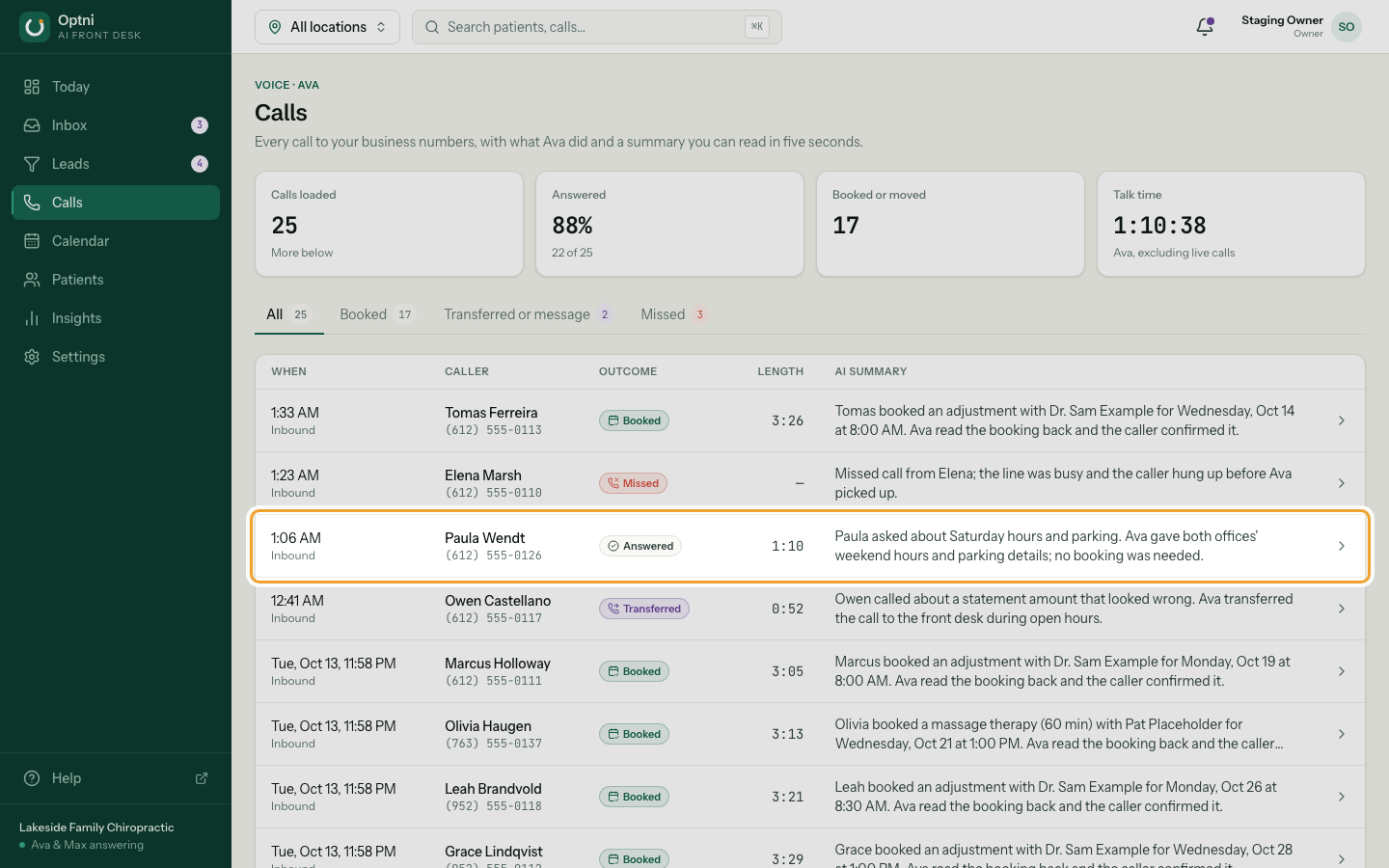
Step 3: Read the outcome chip and summary on each row.
The summary is two sentences or less. It appears about a minute after the call ends.
-
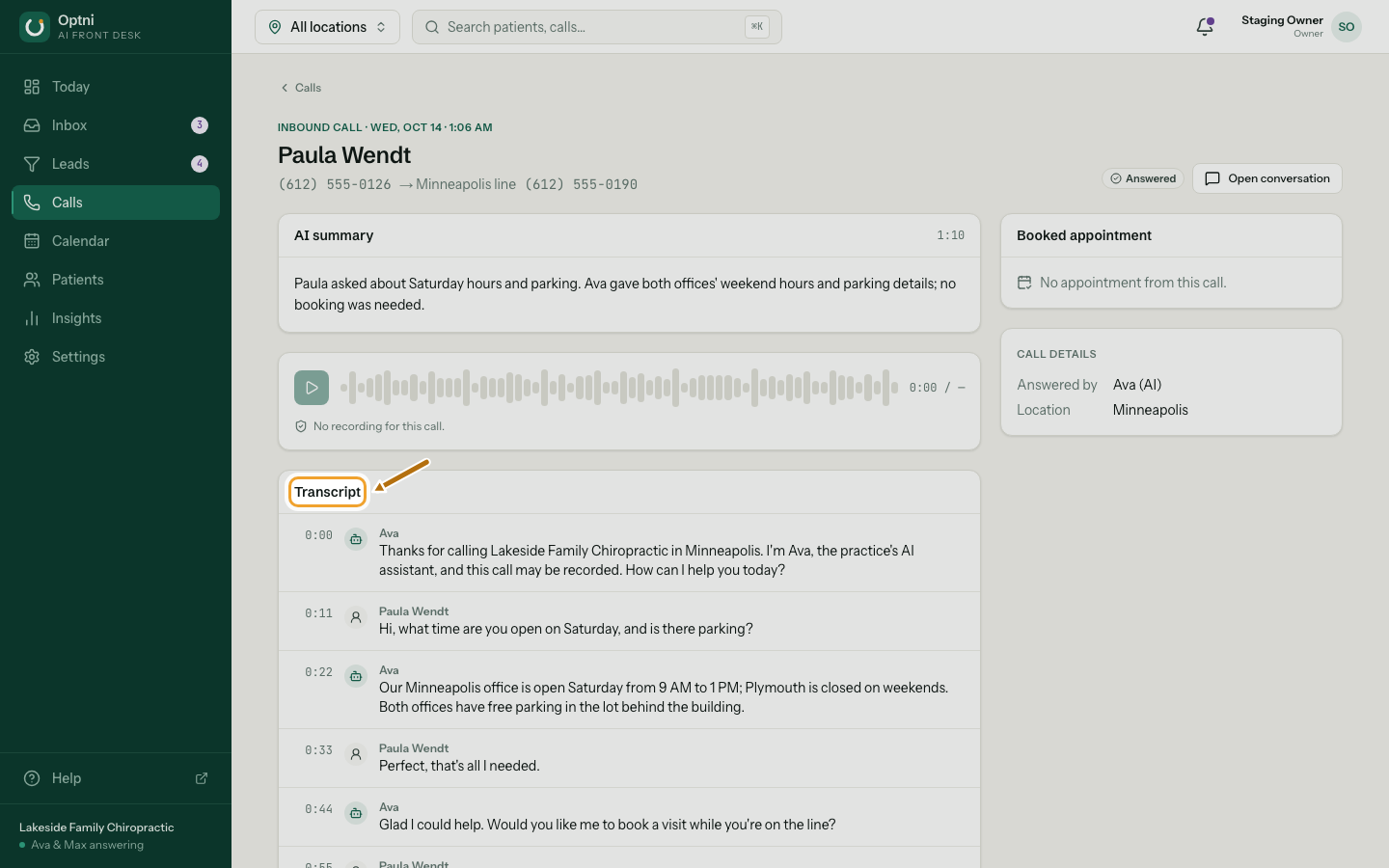
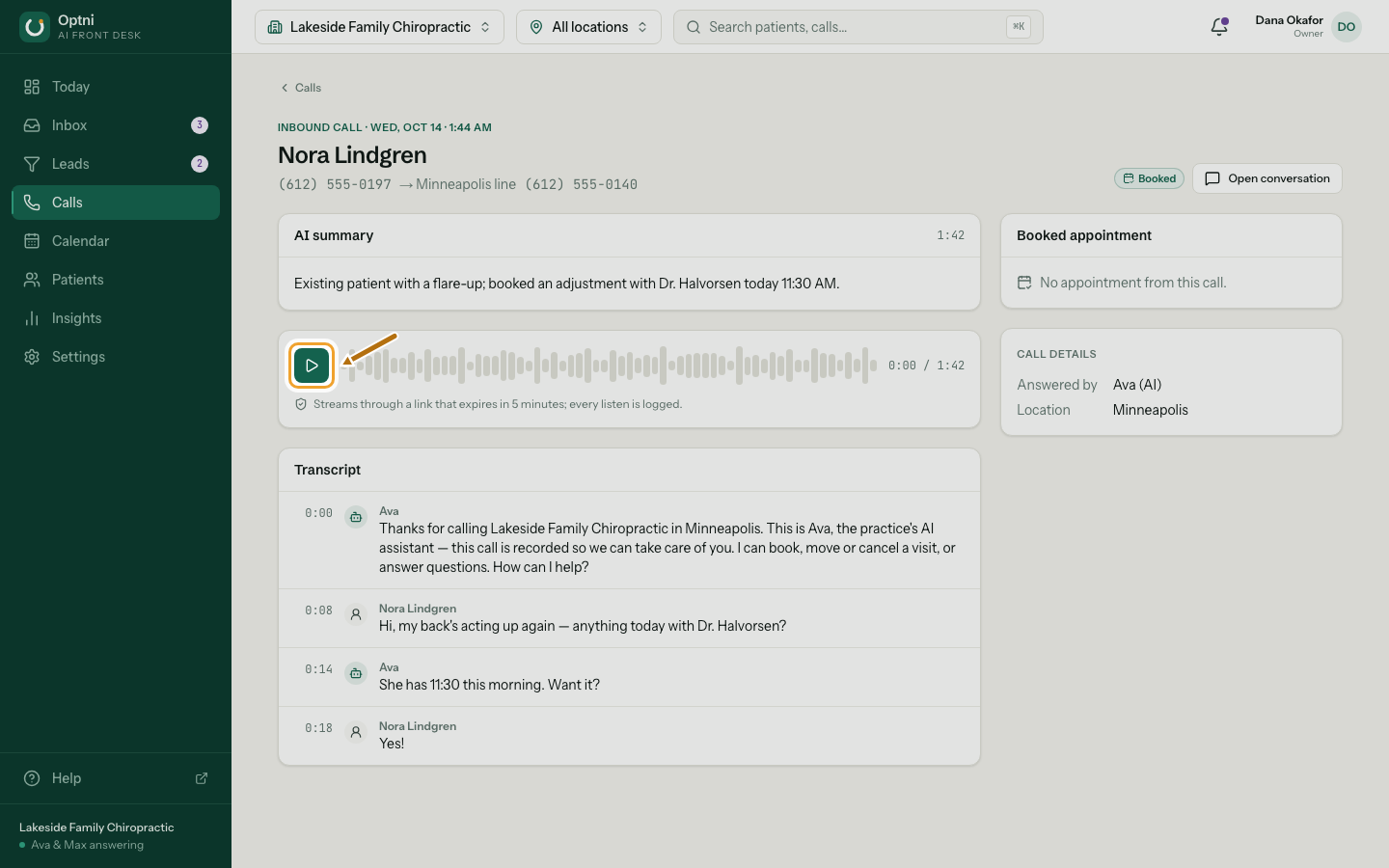
Step 4: Select a call to open it.
You see who called, which number they called, how long it lasted and the transcript, turn by turn.
-
Step 5: Select Play recording to listen.
The recording streams through a link that expires after 5 minutes. Every listen is logged.
Outcomes
- Booked — Ava made a booking.
- Rescheduled / Cancelled — Ava moved or cancelled one.
- Answered — Ava answered a question; nothing to book.
- Message taken — Ava took a message for staff. It's in the inbox as a handover.
- Transferred — Ava put the caller through to your live transfer number.
- Missed — nobody answered (for example, forwarding was on and no one picked up).
- Other — anything else.
Good to know
- A call that is still going shows as live. Its summary is written when it ends.
- Test calls from Call me to test are marked as tests.
- Missed calls with no recording say so — there is nothing to play.