Everyday work
Opted-out contacts (STOP)
When a customer texts STOP (or STOPALL, UNSUBSCRIBE, CANCEL, END, QUIT, REVOKE or OPTOUT), Optni stops all texts to them right away — from Max and from your team. You can still call them.
Steps
-
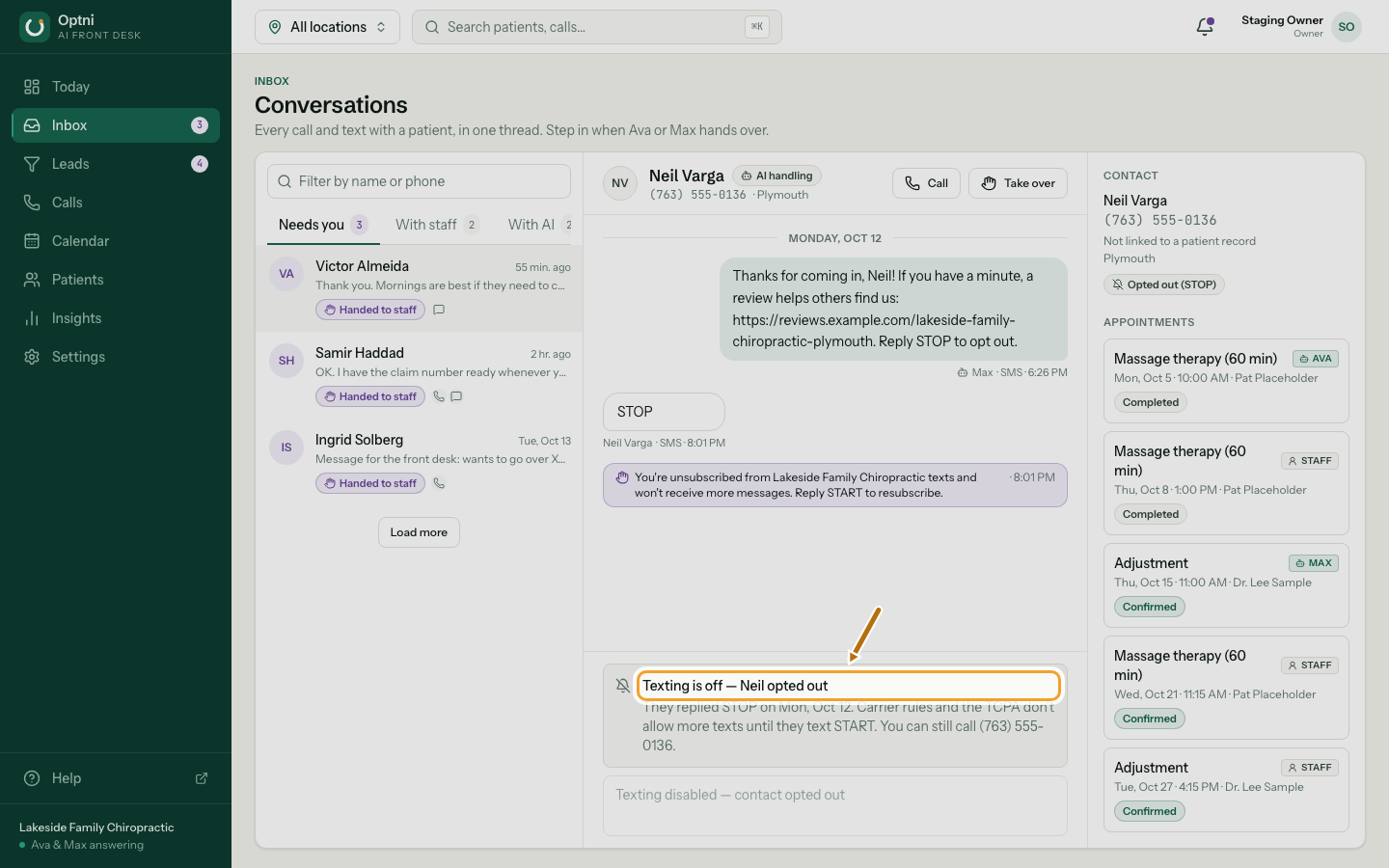
Step 1: Open their conversation to see that texting is off.
The reply box is switched off and says when they opted out.
-
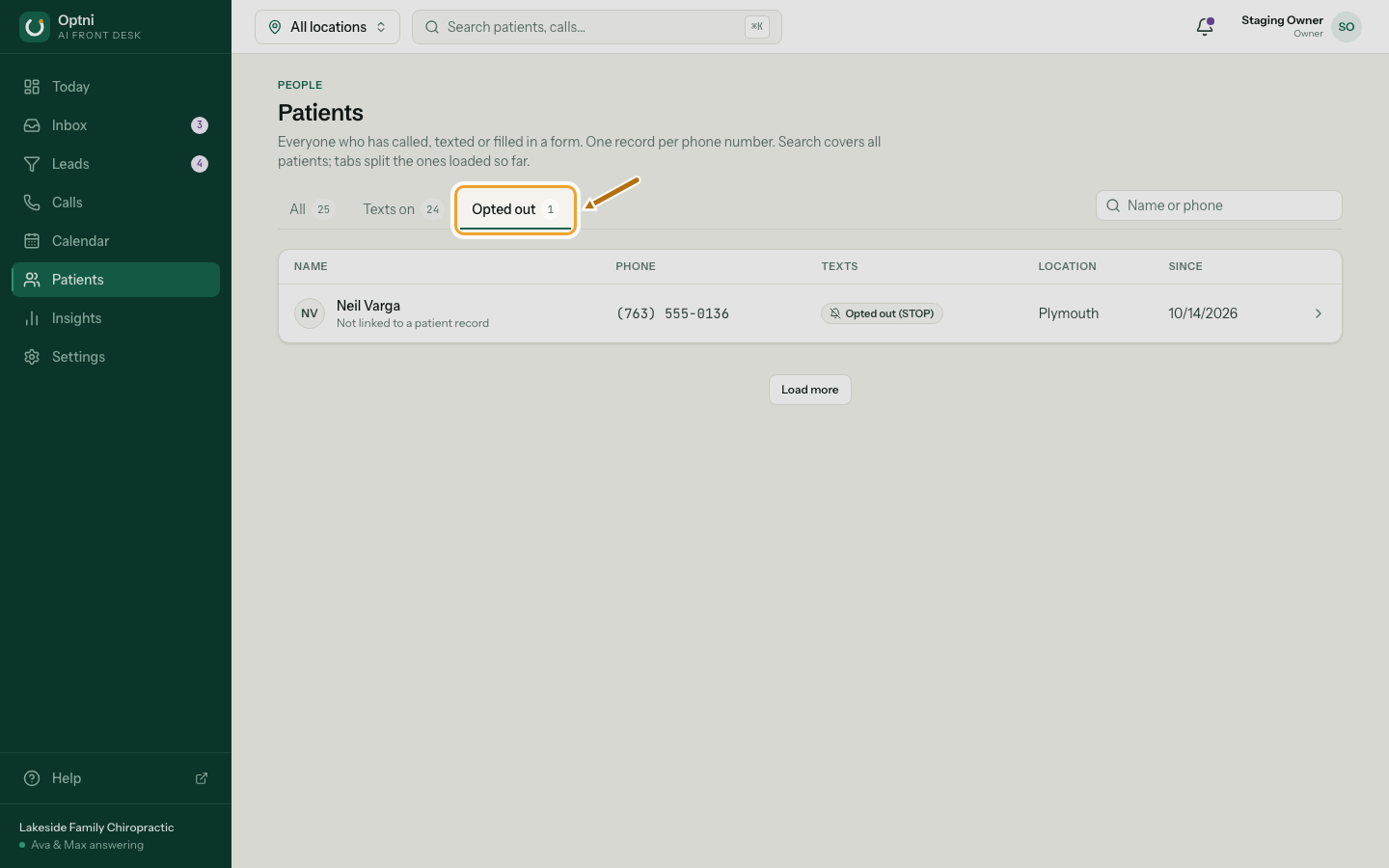
Step 2: To see everyone who opted out, open Contacts → Opted out.
In some industries this page is called Patients, Clients or Customers.
-
Step 3: To get texts again, the customer texts START to your number.
UNSTOP and YES work too. You can't opt someone back in for them. Carrier rules and US law (the TCPA) require it to come from the customer.
What still works
- Calls — Ava still answers when they call, and you can call them.
- Their history stays in the inbox.
- HELP or INFO gets an automatic reply with the location name and how to opt out.
- The carrier sends the customer a confirmation when they text STOP.