Locations and phone lines
Voice: AI answers or forward, live transfer and after hours
Each location decides how its calls are answered during opening hours and after hours.
Steps
-
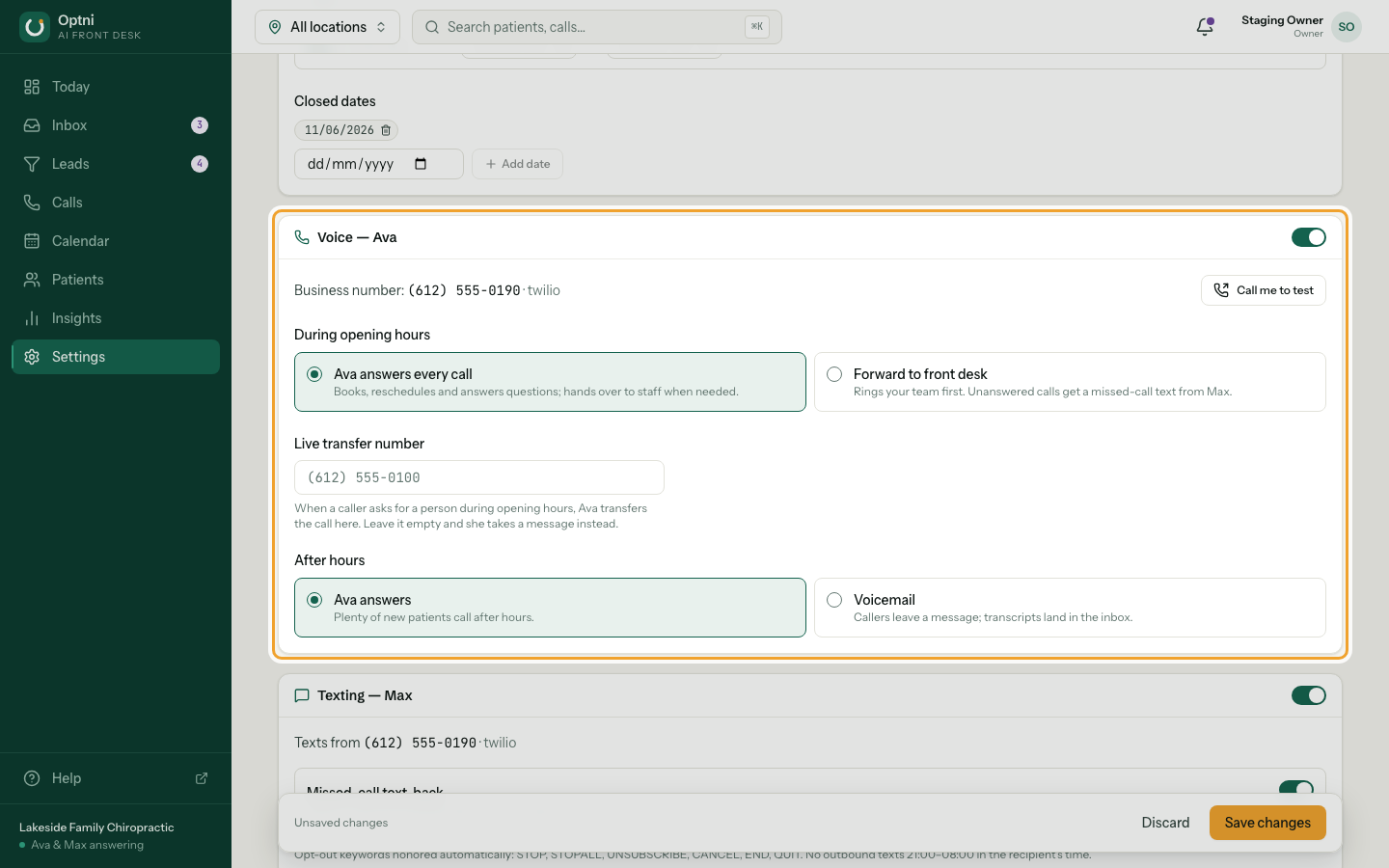
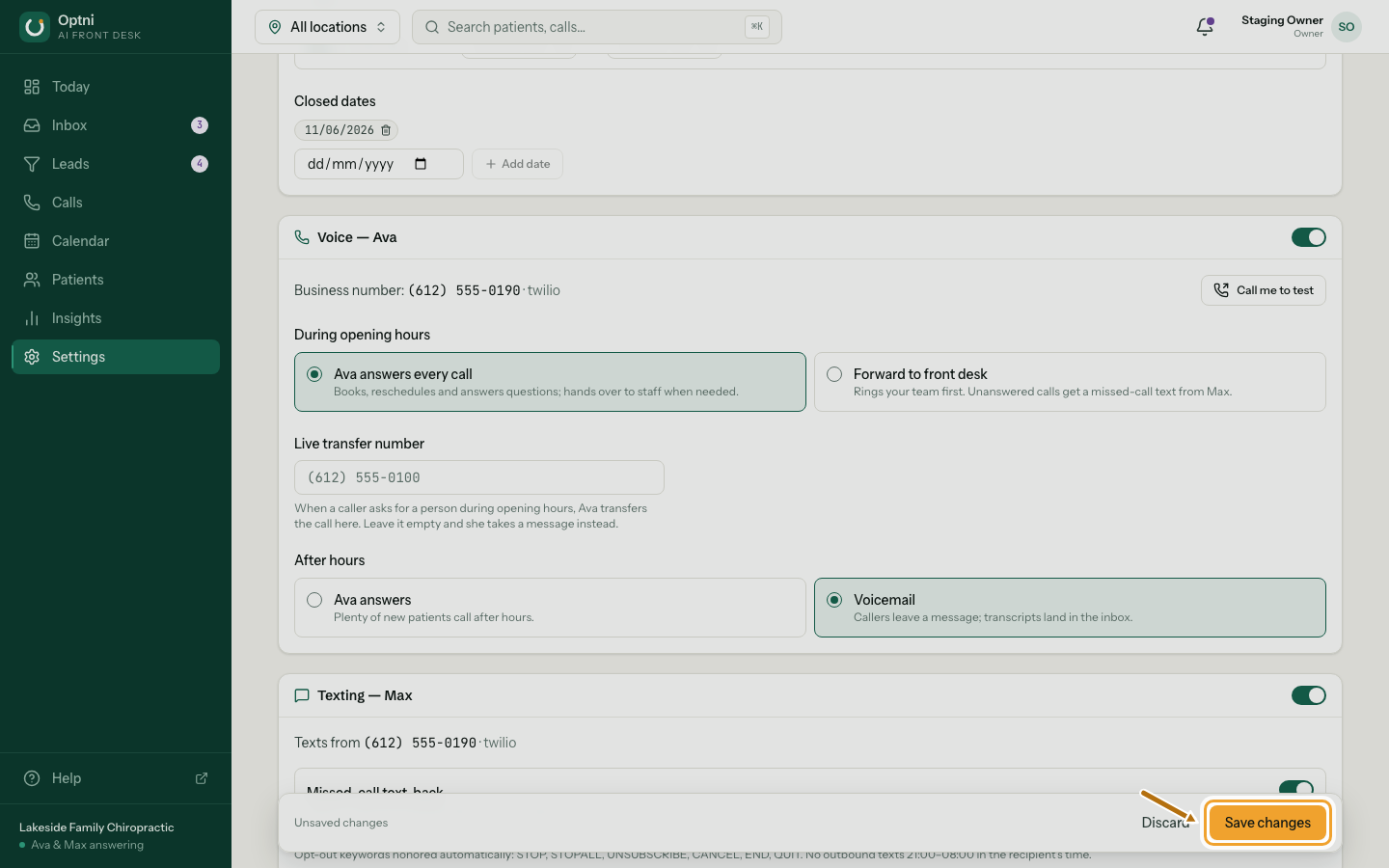
Step 1: In Settings → Locations & channels, find the Voice — Ava card.
It shows the location's business number. The switch at the top turns Ava on or off for this location.
-
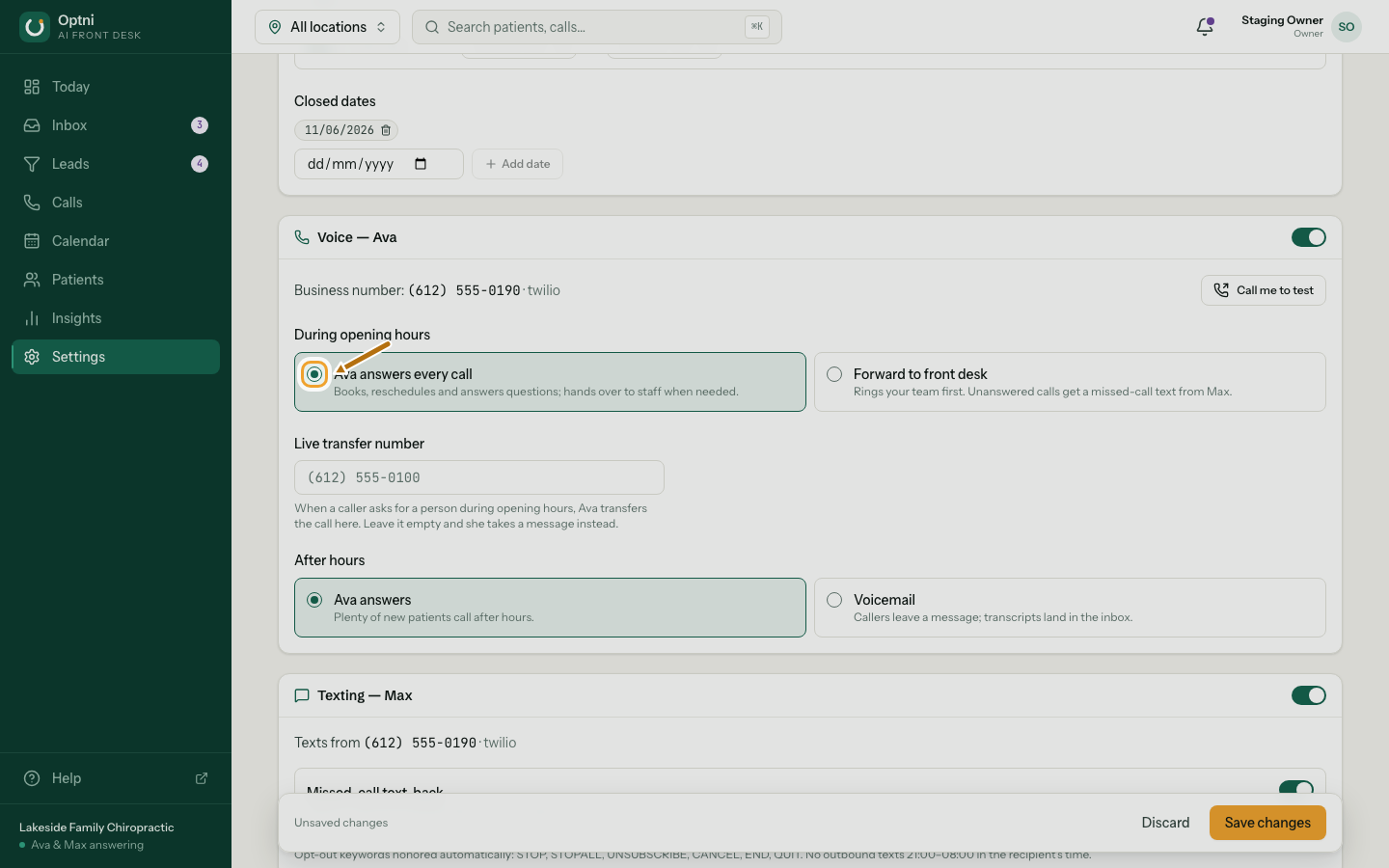
Step 2: Choose how calls are answered during opening hours.
Ava answers every call: she books, reschedules, answers questions and hands over when needed. Forward to front desk: your team's phones ring first, and unanswered calls get a missed-call text from Max.
-
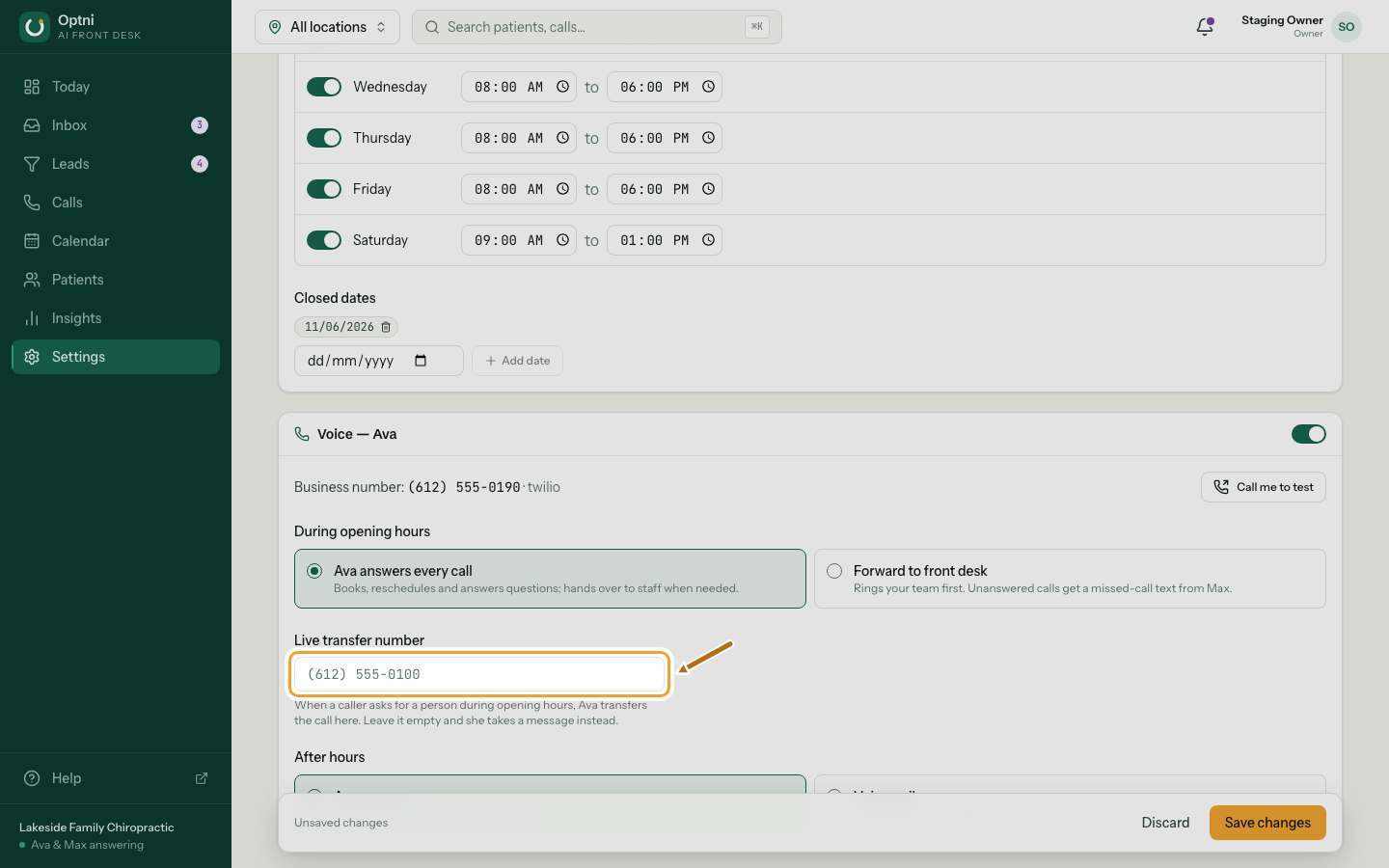
Step 3: Enter a live transfer number.
When a caller asks for a person during opening hours, Ava puts them through to this number. Leave it empty and she takes a message instead. In forward mode the same field is called Forward to: the numbers that ring first, separated by commas.
-
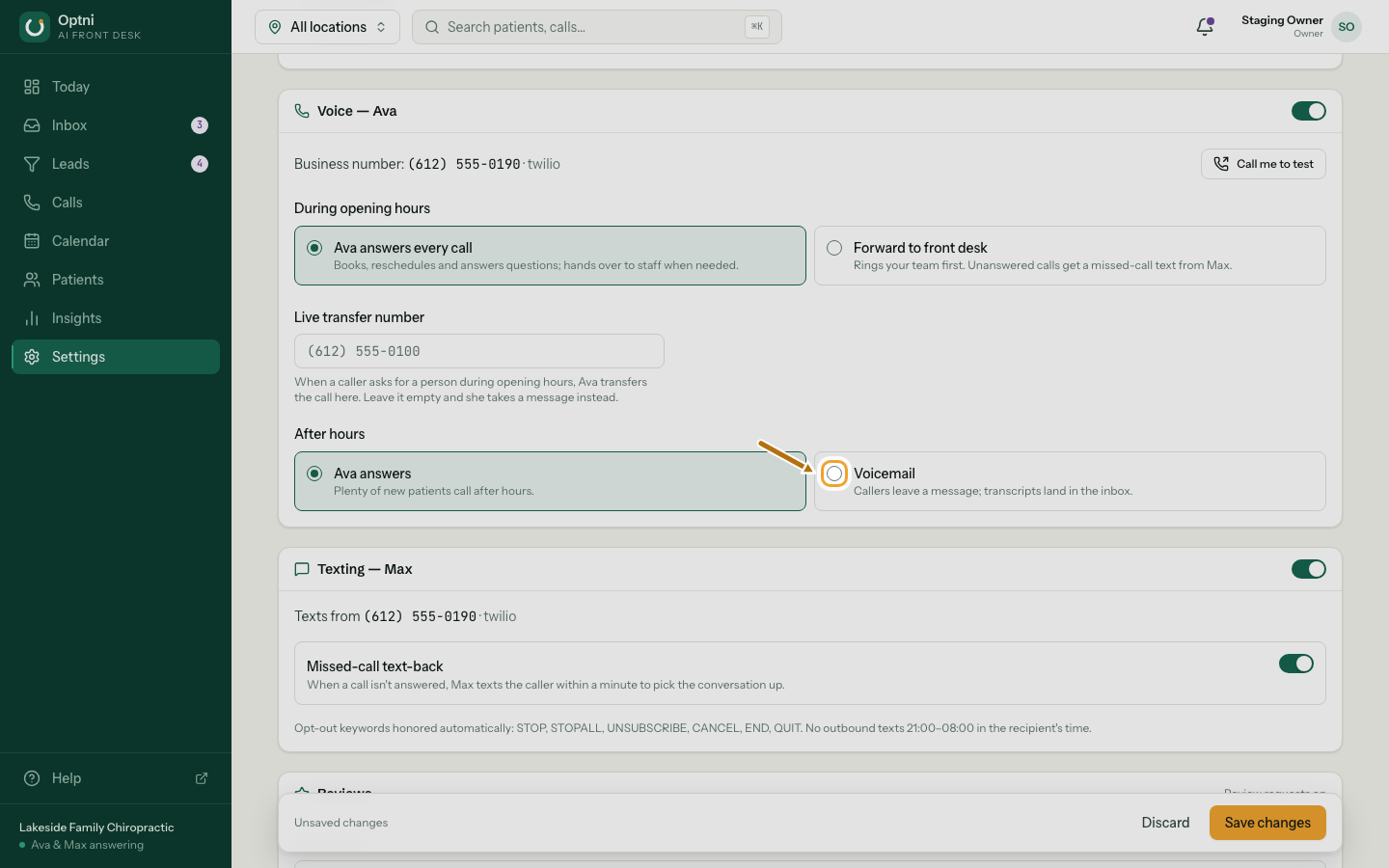
Step 4: Choose what happens after hours.
Ava answers (good if new customers call in the evening), or voicemail (callers leave a message; the transcript lands in the inbox).
-
Step 5: Select Save changes.
Good to know
- If someone on your team has taken over a customer's conversation, that customer's next call goes to your forwarding number or voicemail, not to Ava.
- Ava only transfers while the location is open.
- Forward mode needs at least one number to forward to.