Locations and phone lines
Locations: opening hours, closed dates and time zone
Each location has its own address, time zone, hours and phone number. Hours decide what "after hours" means for calls, when live transfer is offered, and when texts may go out. Each provider's own hours decide what can be booked.
Steps
-
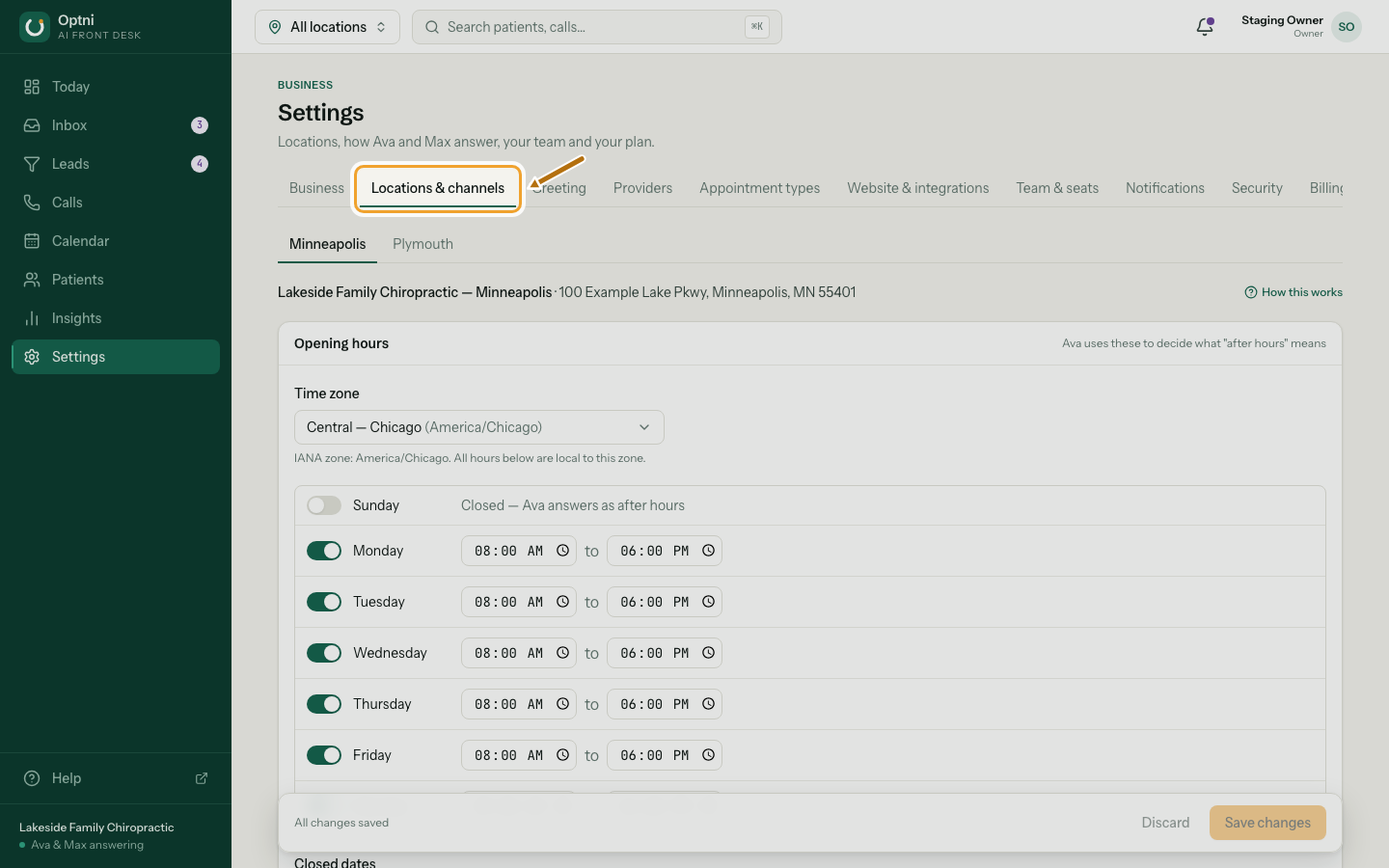
Step 1: Go to Settings → Locations & channels.
-
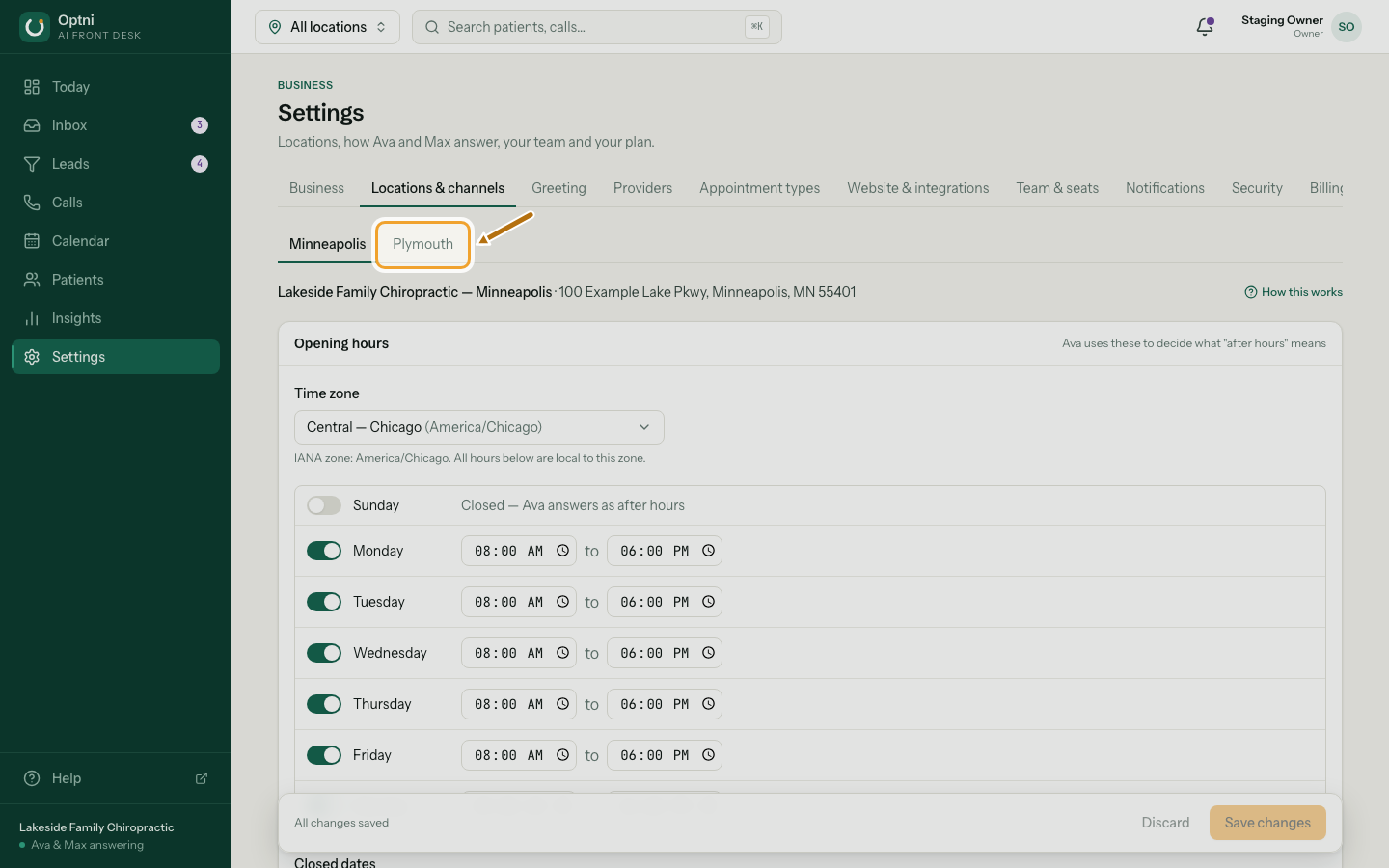
Step 2: Pick the location tab.
-
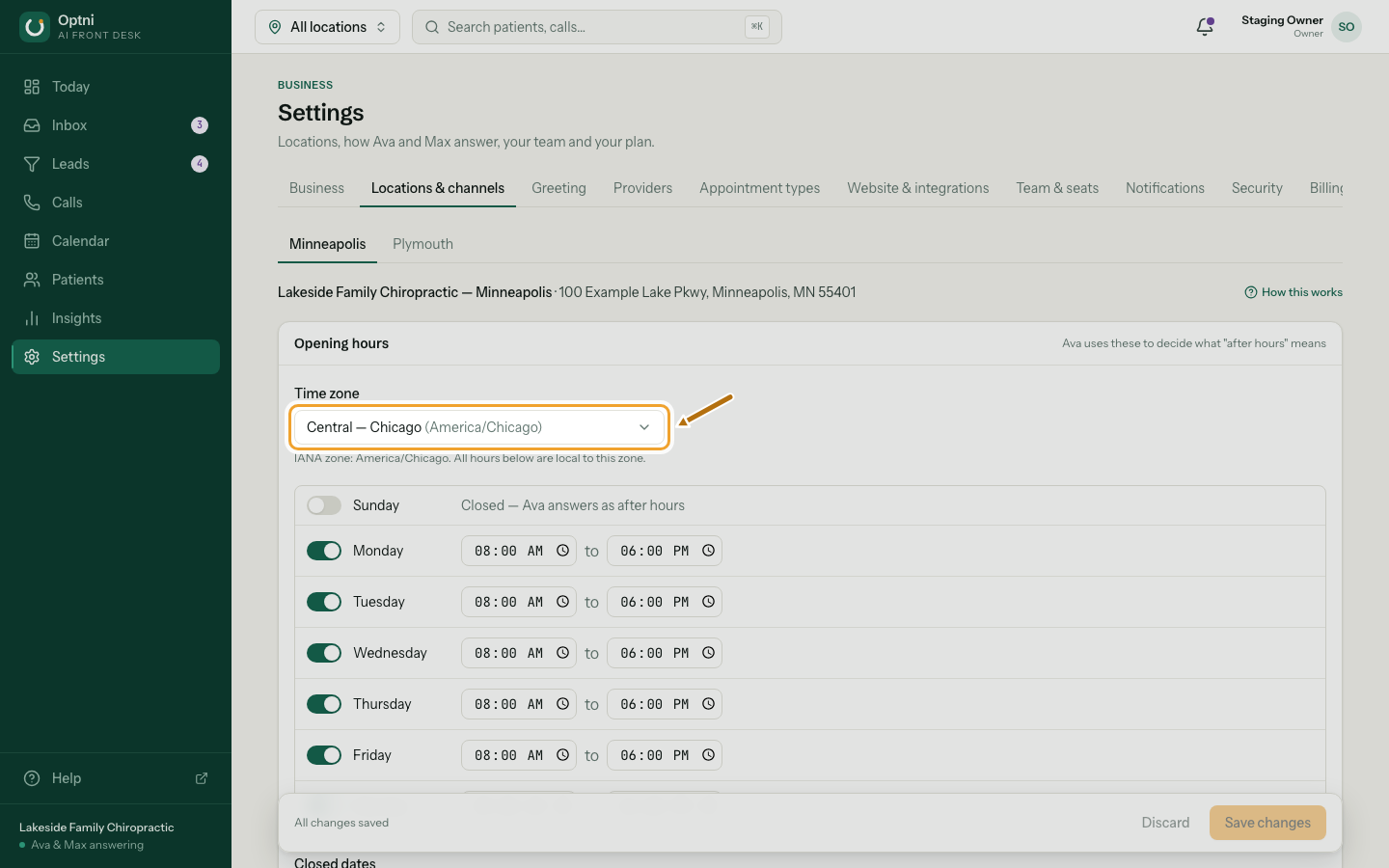
Step 3: Check the time zone.
All hours on this page are local to it. Daylight saving is handled for you.
-
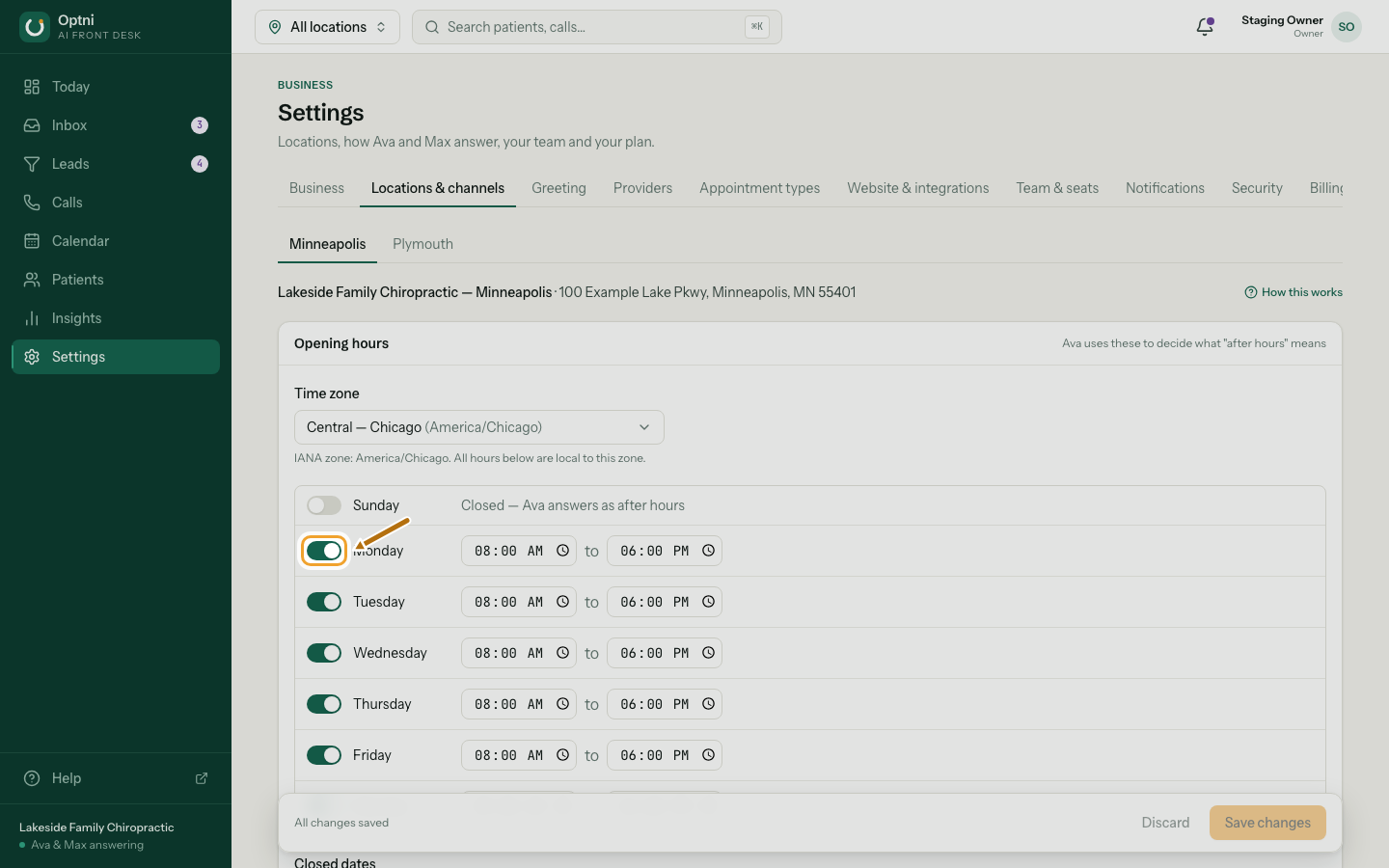
Step 4: Switch each day on or off and set opening and closing times.
A day that's off is closed. Ava answers those calls as after hours.
-
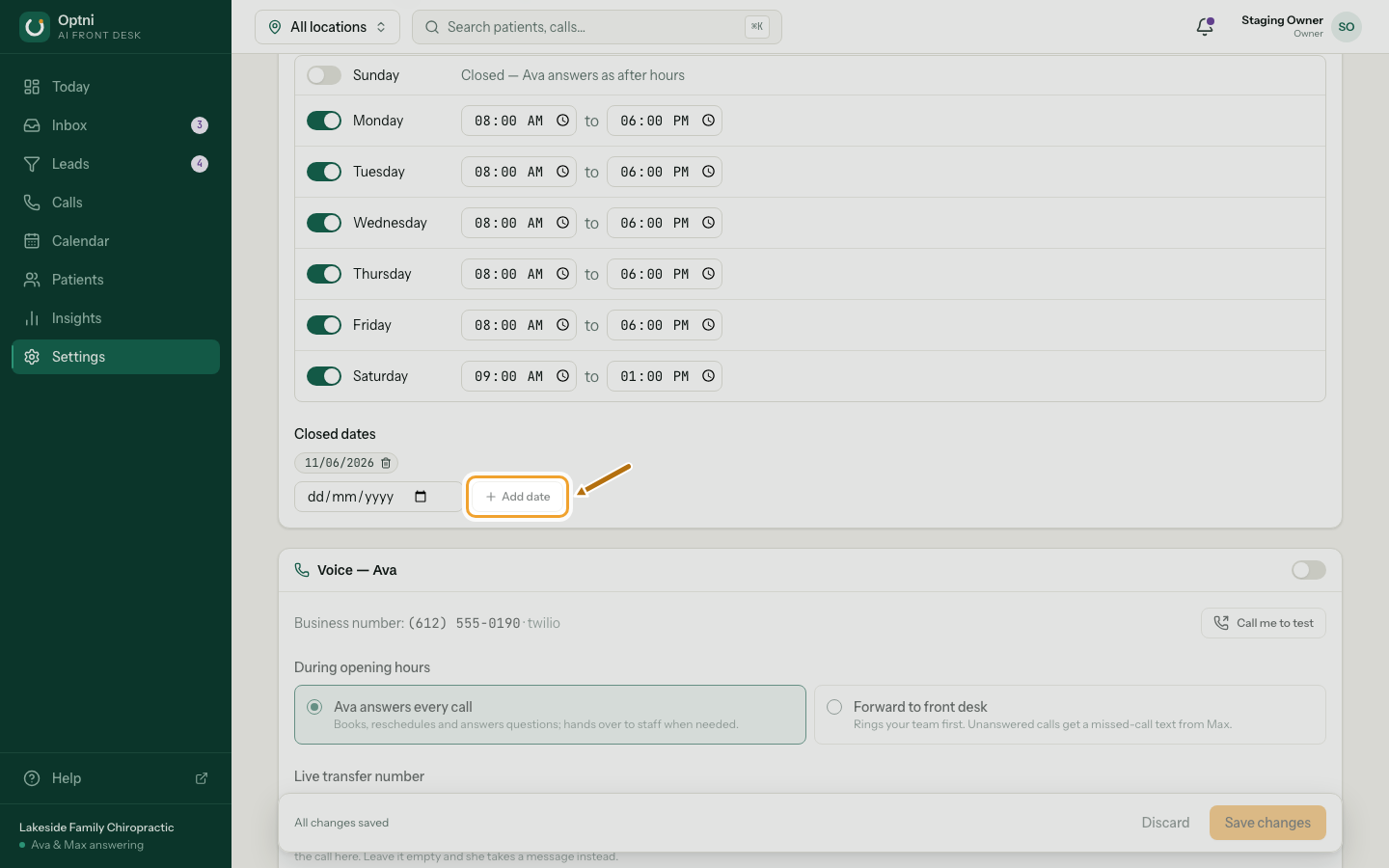
Step 5: Add closed dates for holidays.
Pick the date and select Add date. Remove one with the bin on its chip.
-
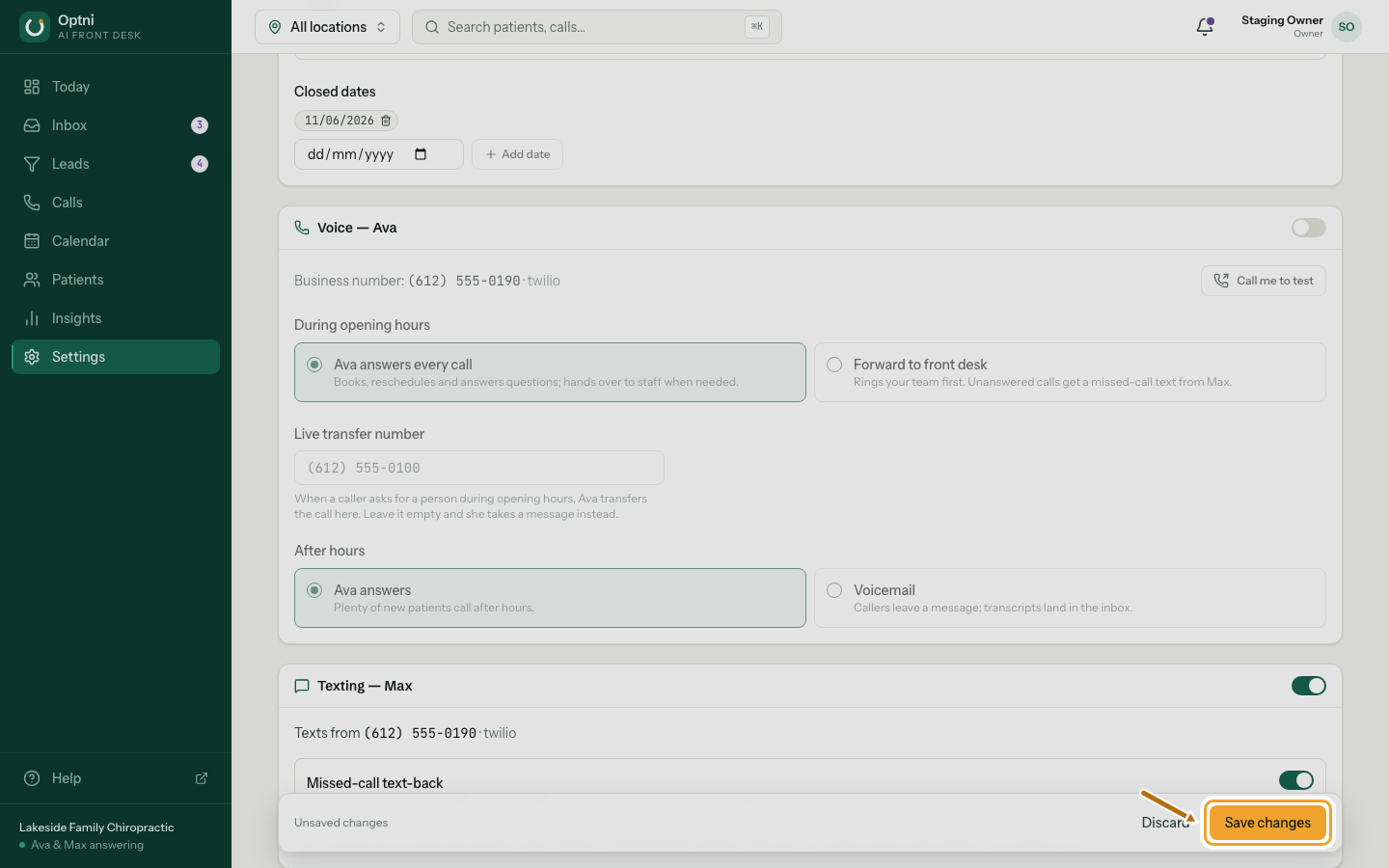
Step 6: Select Save changes.
The save bar appears when you change something. Discard throws your changes away.
Also on this page
- Voice — Ava: how calls are answered. See Voice mode and live transfer.
- Texting — Max: texting and missed-call text-back.
- Reviews and the location note. See Review link and location note.