Leads, contacts and insights
Insights
Insights shows what your AI front desk did over time. The location picker in the top bar applies to every number here.
Steps
-
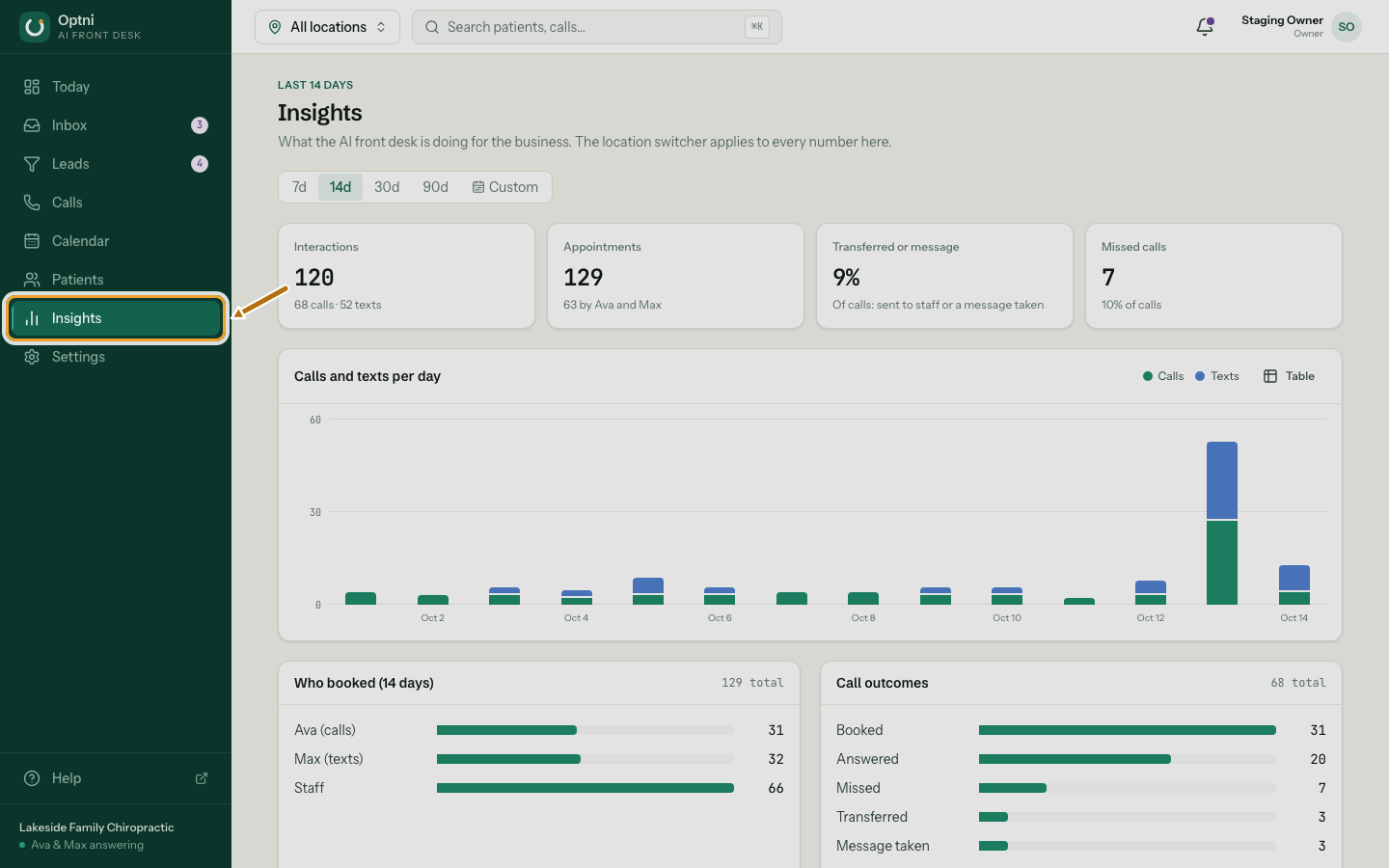
Step 1: Select Insights in the sidebar.
-
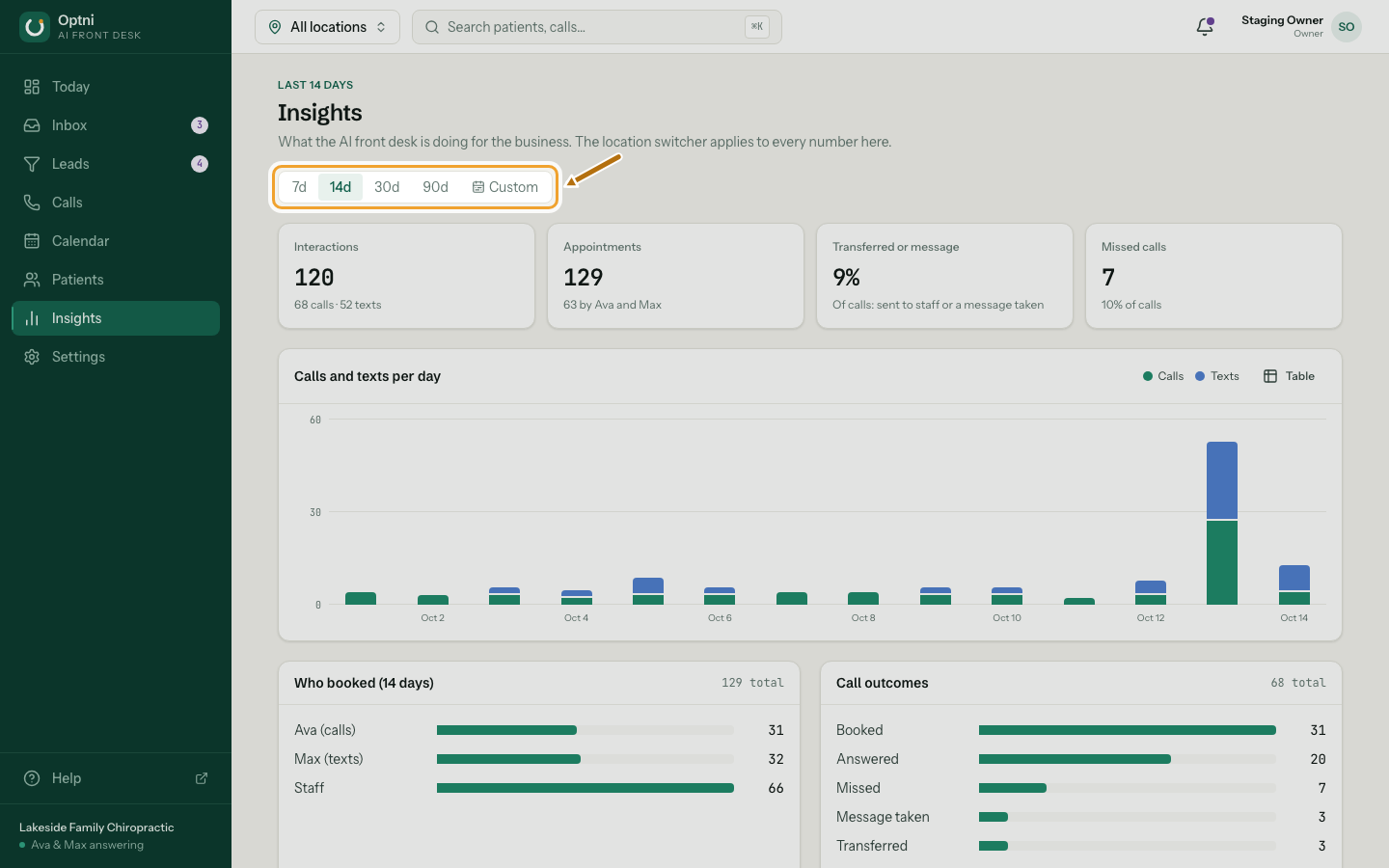
Step 2: Pick a range: 7, 14, 30 or 90 days.
-
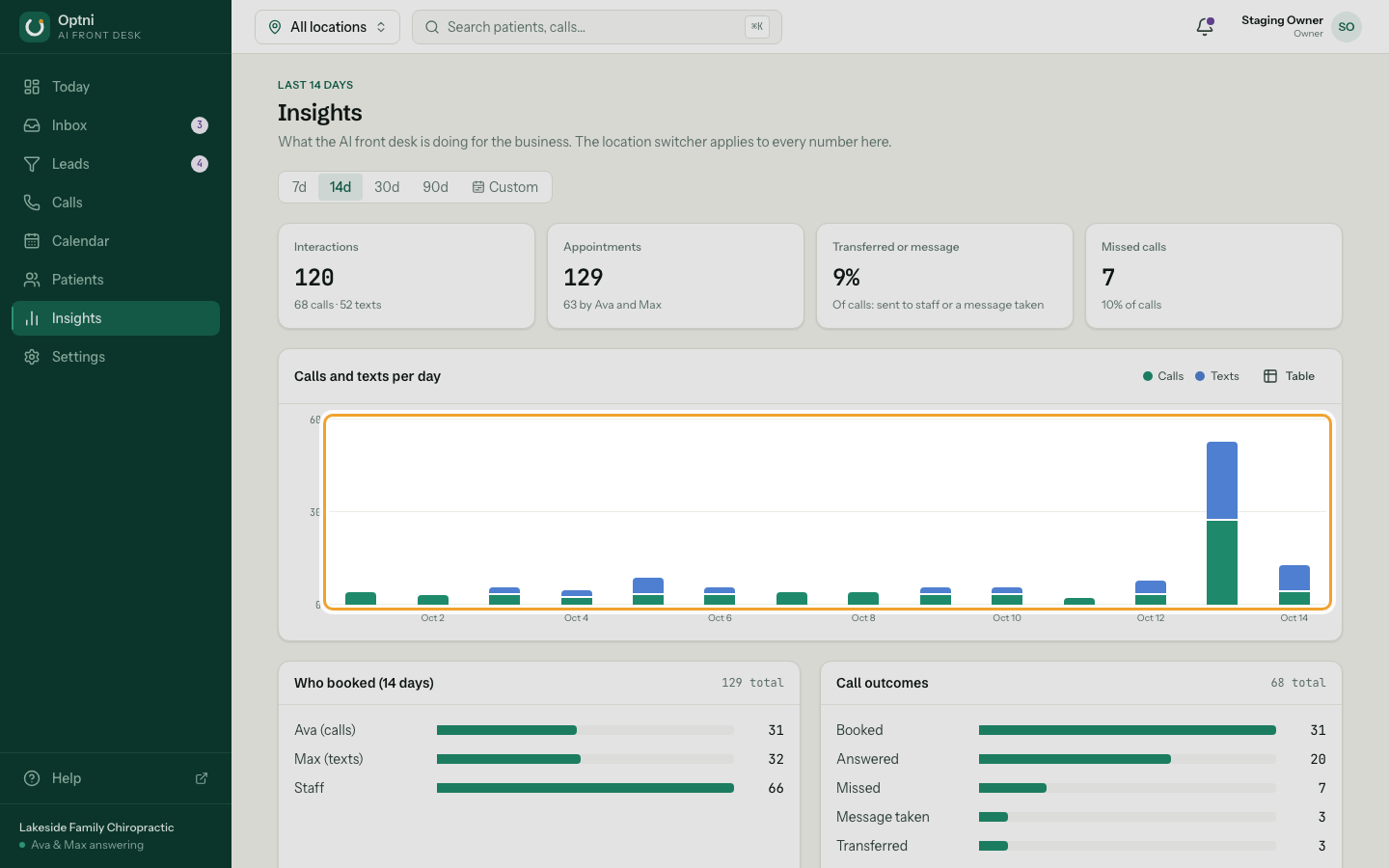
Step 3: Hover or tab through the chart to see each day.
Switch to Table to read the same numbers as a table.
-
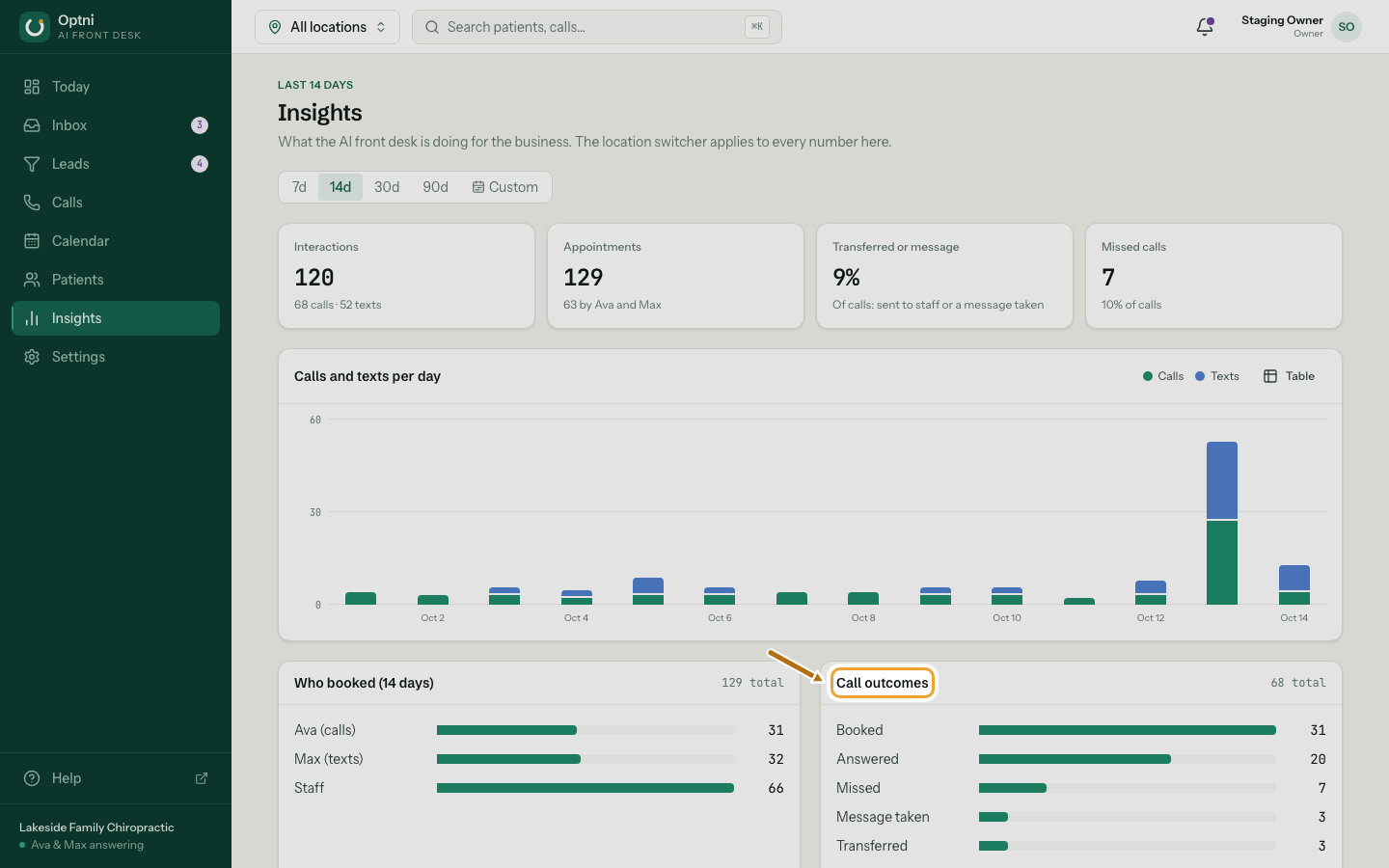
Step 4: Check call outcomes and who booked.
A high share of transferred calls or messages can mean the AI needs more answers. See What your AI should know.
What the totals mean
- Interactions — calls plus texts in the range.
- Bookings — made by Ava, Max and staff.
- Transferred or message — the share of calls sent to staff or where a message was taken.
- Missed calls — calls nobody answered.