Plans and billing
Plans, billing and what counts as an interaction
Each plan includes a number of interactions a month and a number of seats. You see your usage as it happens, and any overage before it is charged.
Steps
-
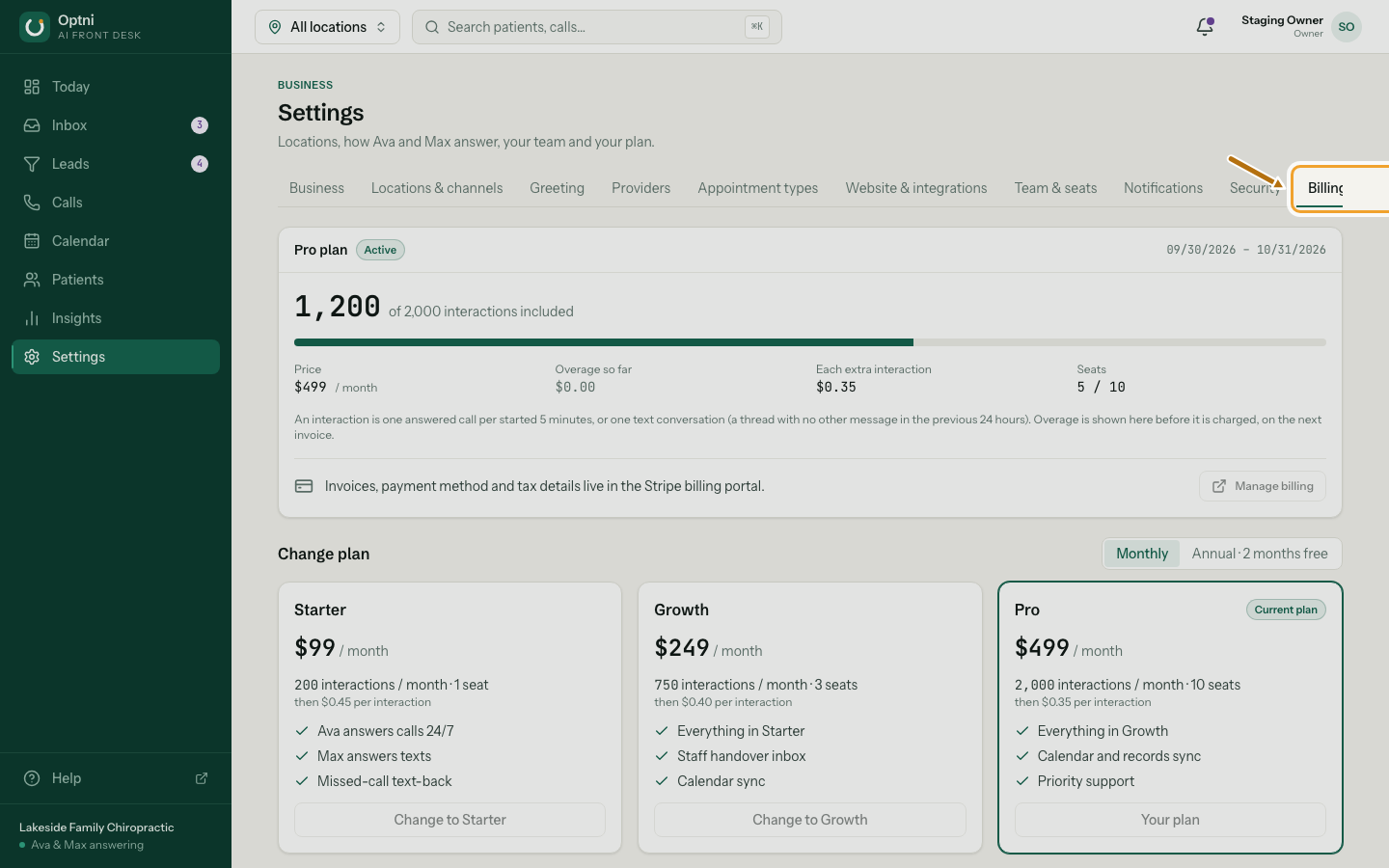
Step 1: Go to Settings → Billing & usage.
-
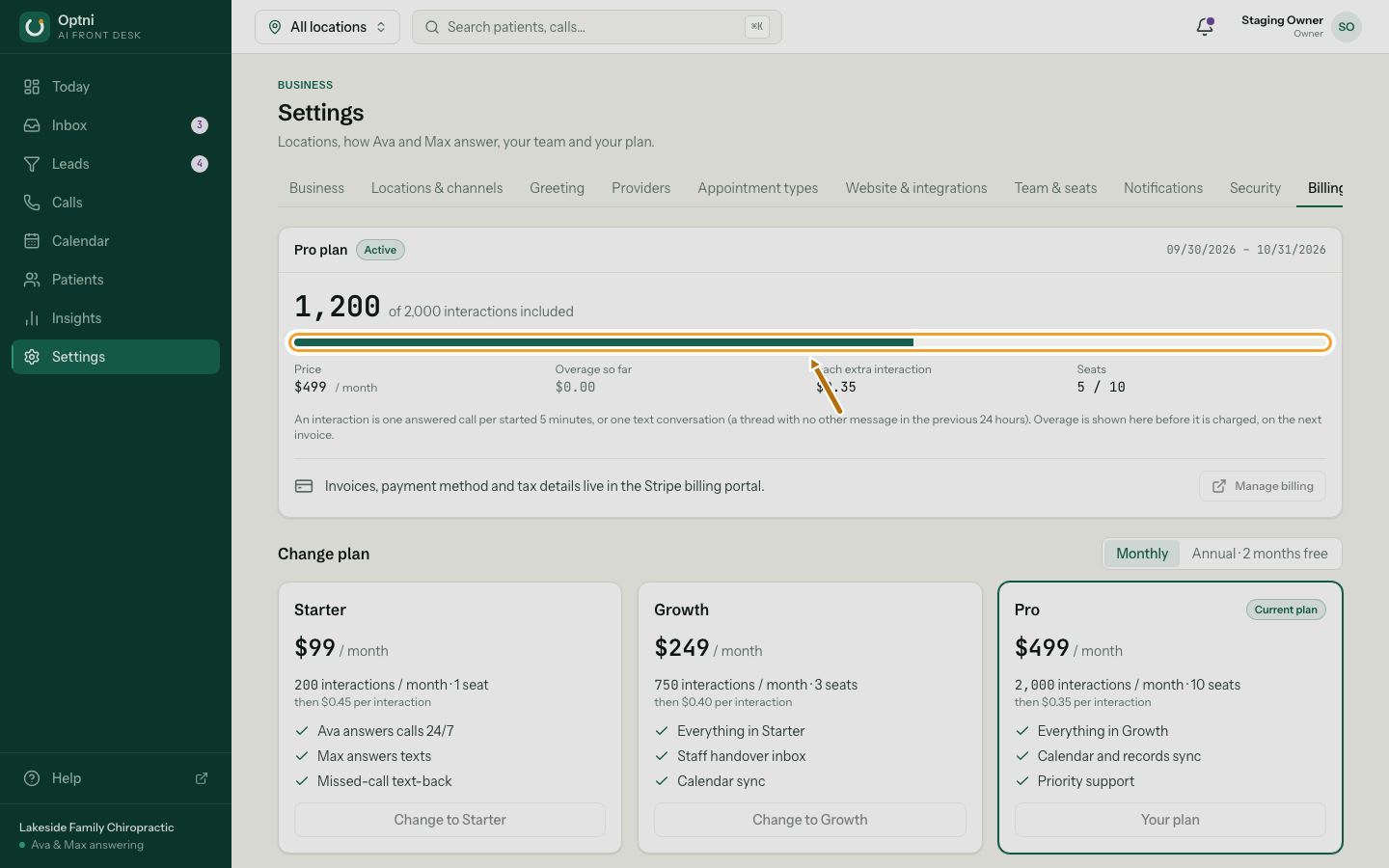
Step 2: Check interactions used this period.
The card also shows the price, overage so far, the price of each extra interaction and seats used.
-
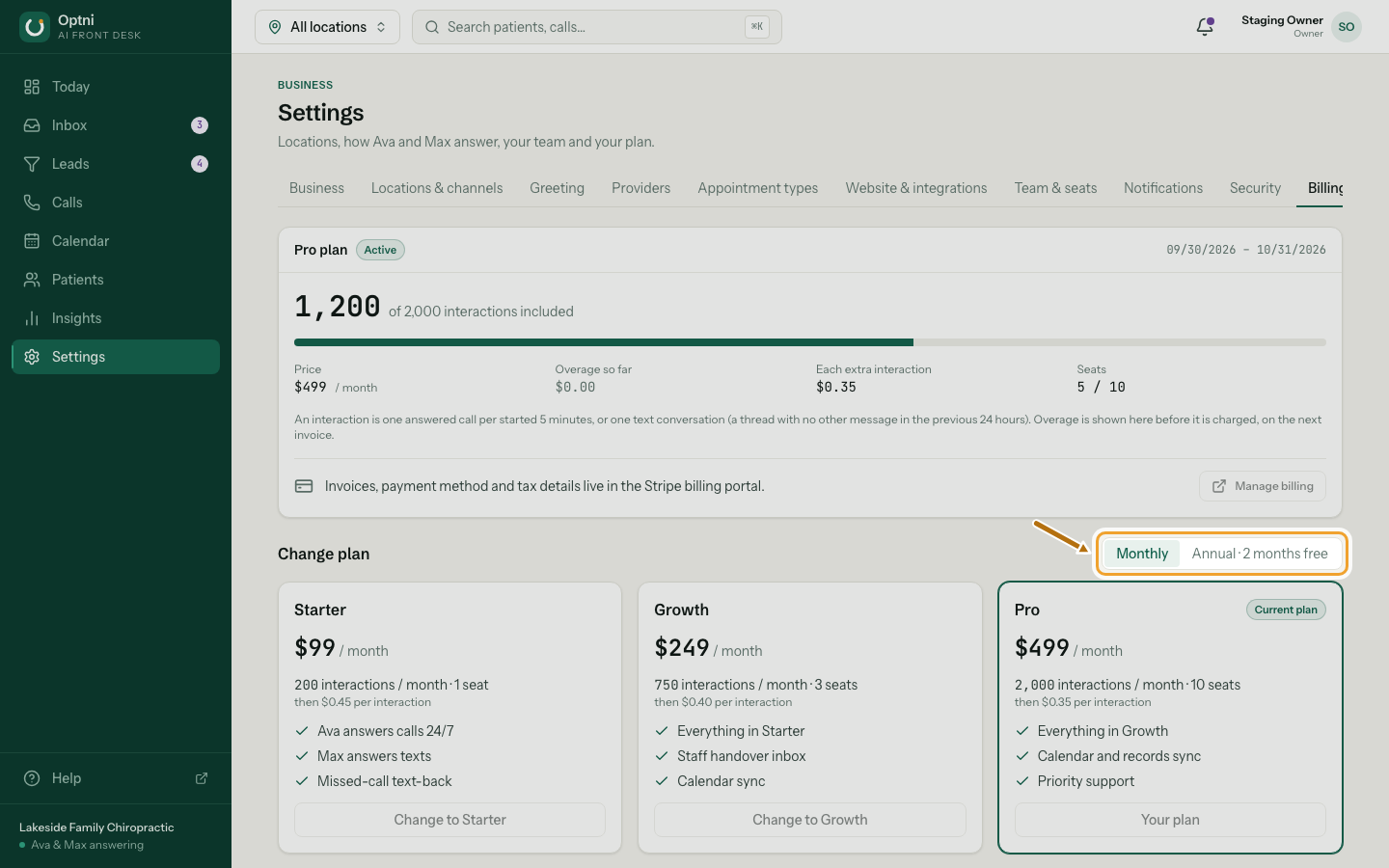
Step 3: To change plan, pick Monthly or Annual, then select Change to … on a plan.
Annual costs 10 months' price for 12 months.
-
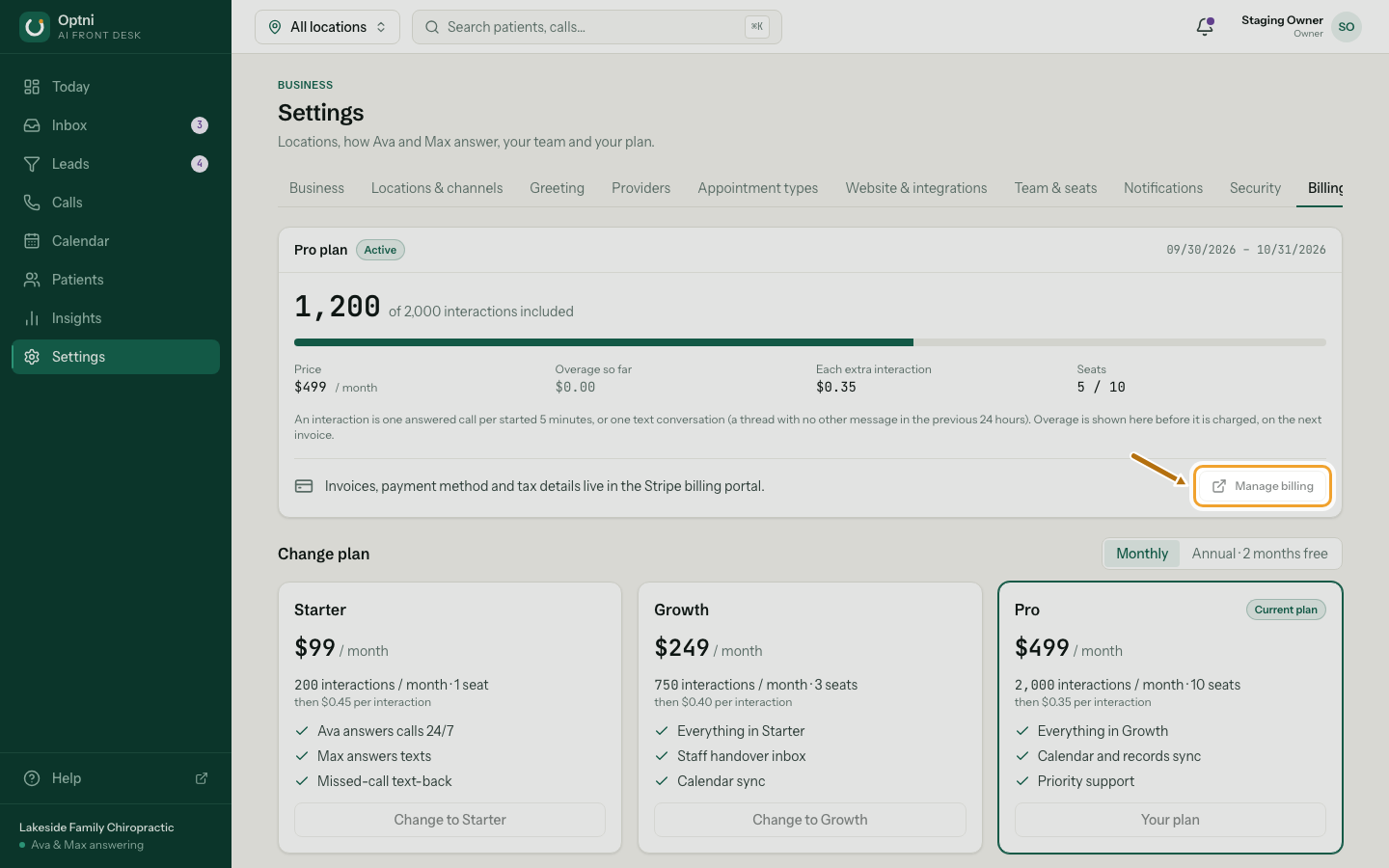
Step 4: Select Manage billing for invoices, payment method and tax details.
It opens the secure Stripe billing portal.
Plans
| Plan | Price | Interactions a month | Seats | Each extra interaction |
|---|---|---|---|---|
| Starter | $99 / month | 200 | 1 | $0.45 |
| Growth | $249 / month | 750 | 3 | $0.40 |
| Pro | $499 / month | 2,000 | 10 | $0.35 |
What counts as an interaction
- An answered call counts one interaction for each started 5 minutes. A 3-minute call is 1; a 7-minute call is 2.
- A text conversation counts one interaction when a text starts a thread — that is, no other text in the previous 24 hours.
- Missed calls and test calls from Call me to test don't count.
Seats
Each active teammate and each pending invite uses a seat. To add people beyond your plan's seats, change plan.