Business settings
What your AI should know: about, FAQs and policies
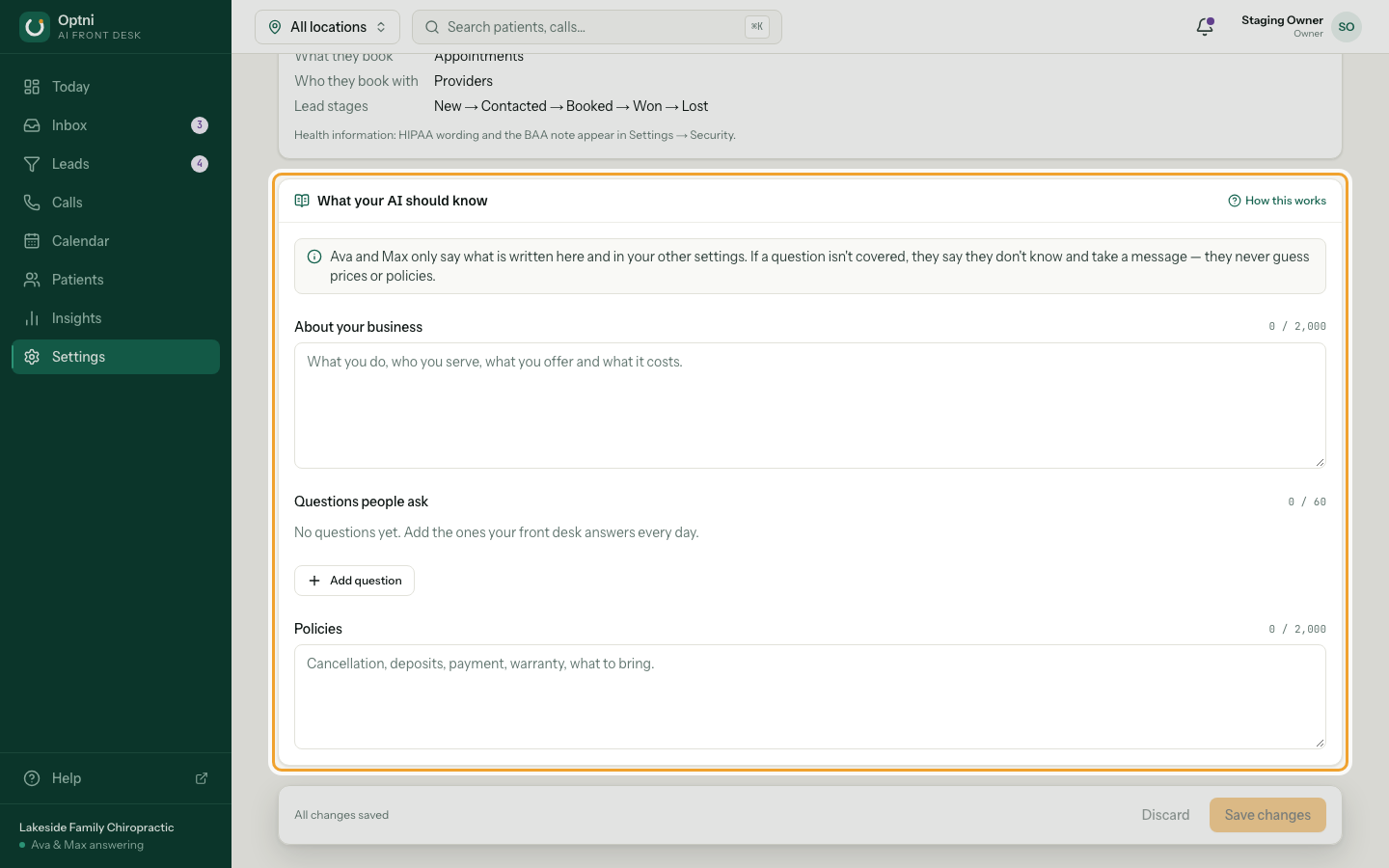
Ava and Max already know your name, address, hours, booking types and providers. Everything else — what you offer, prices, parking, cancellation rules — comes from this section. If a question isn't covered, they say they don't know and take a message. They never guess prices or policies.
Steps
-
Step 1: Go to Settings → Business and scroll to What your AI should know.
-
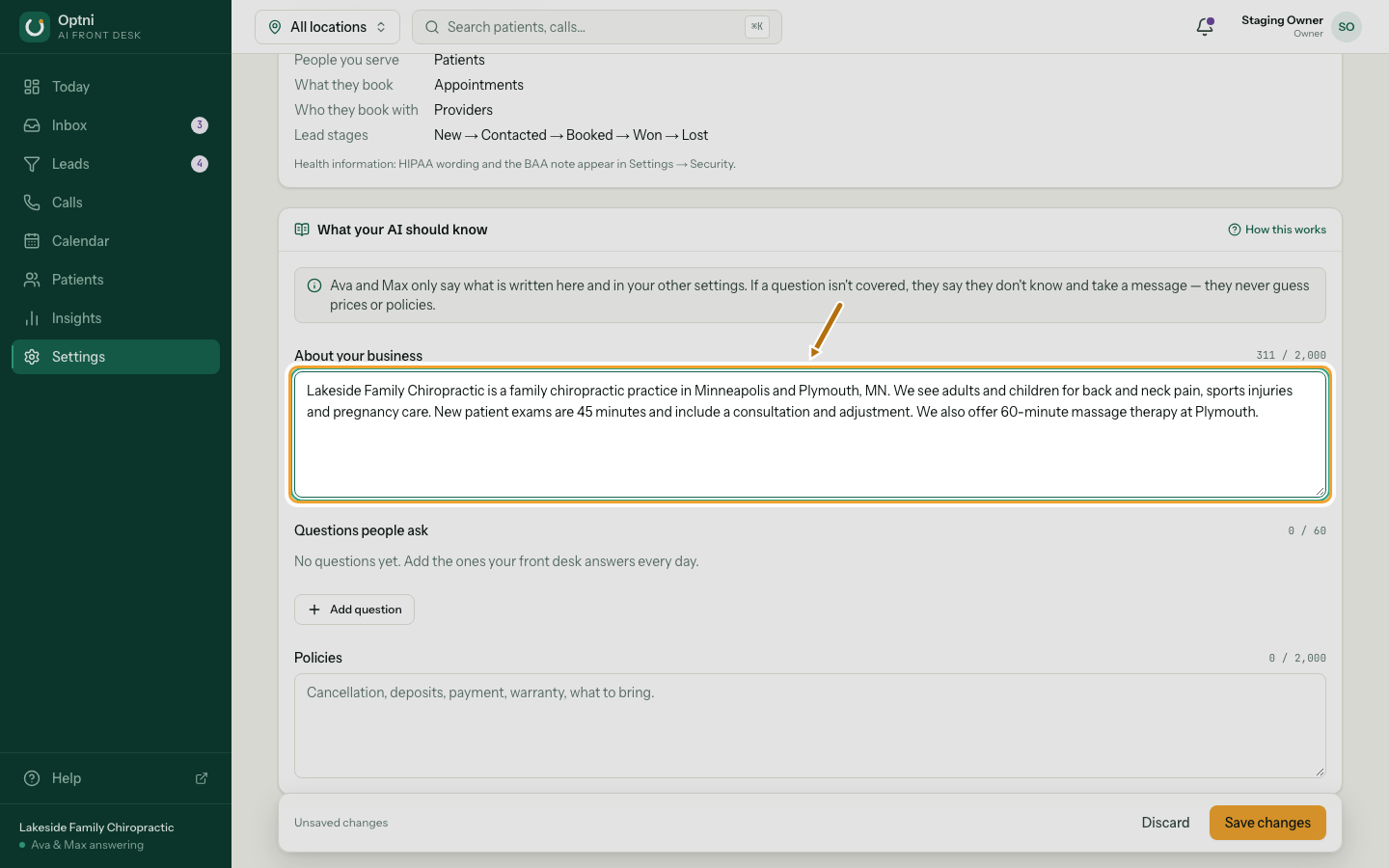
Step 2: Write a short About your business.
What you do, who you serve, what you offer and what it costs. Up to 2,000 characters.
-
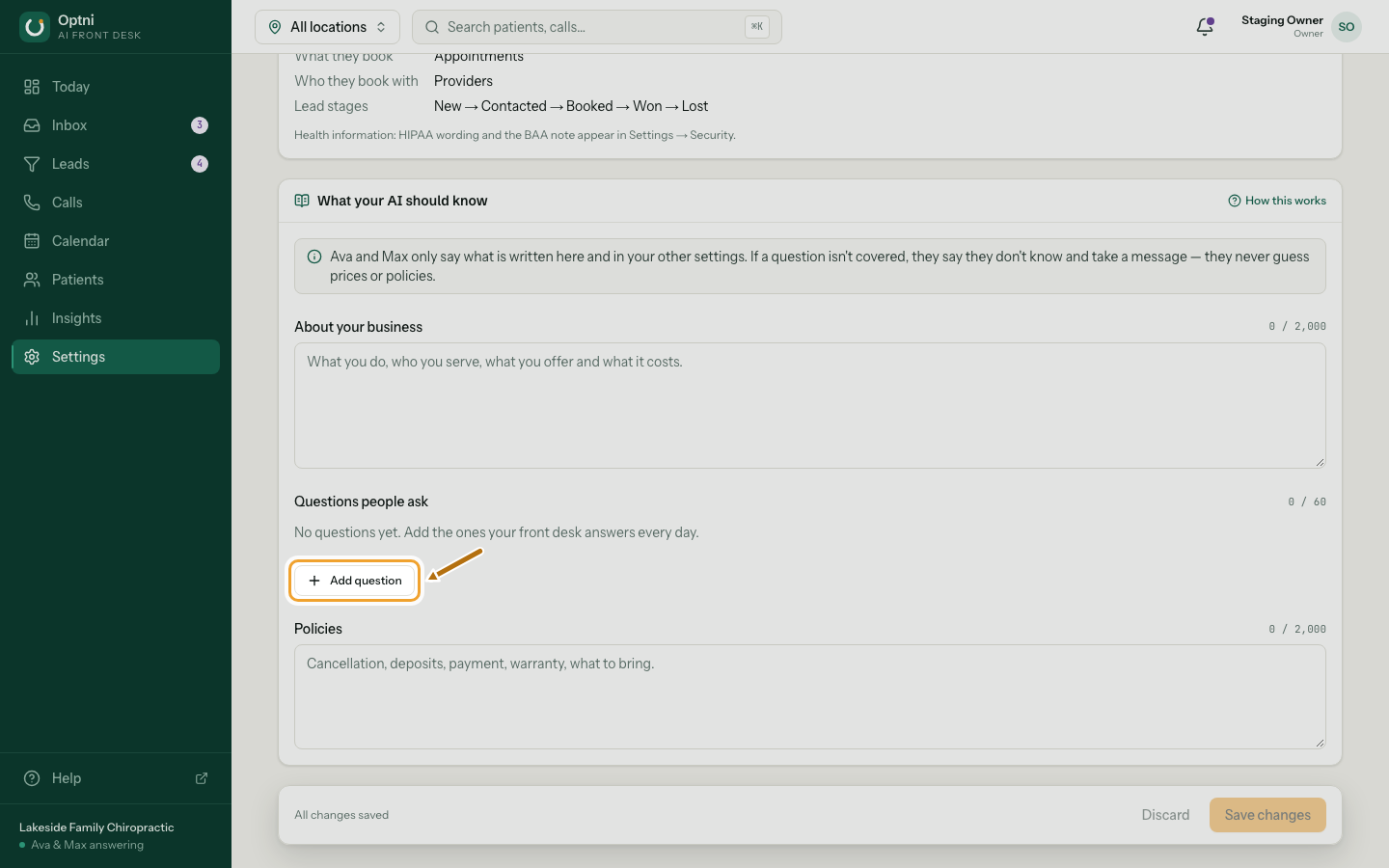
Step 3: Select Add question for each question your front desk hears every day.
-
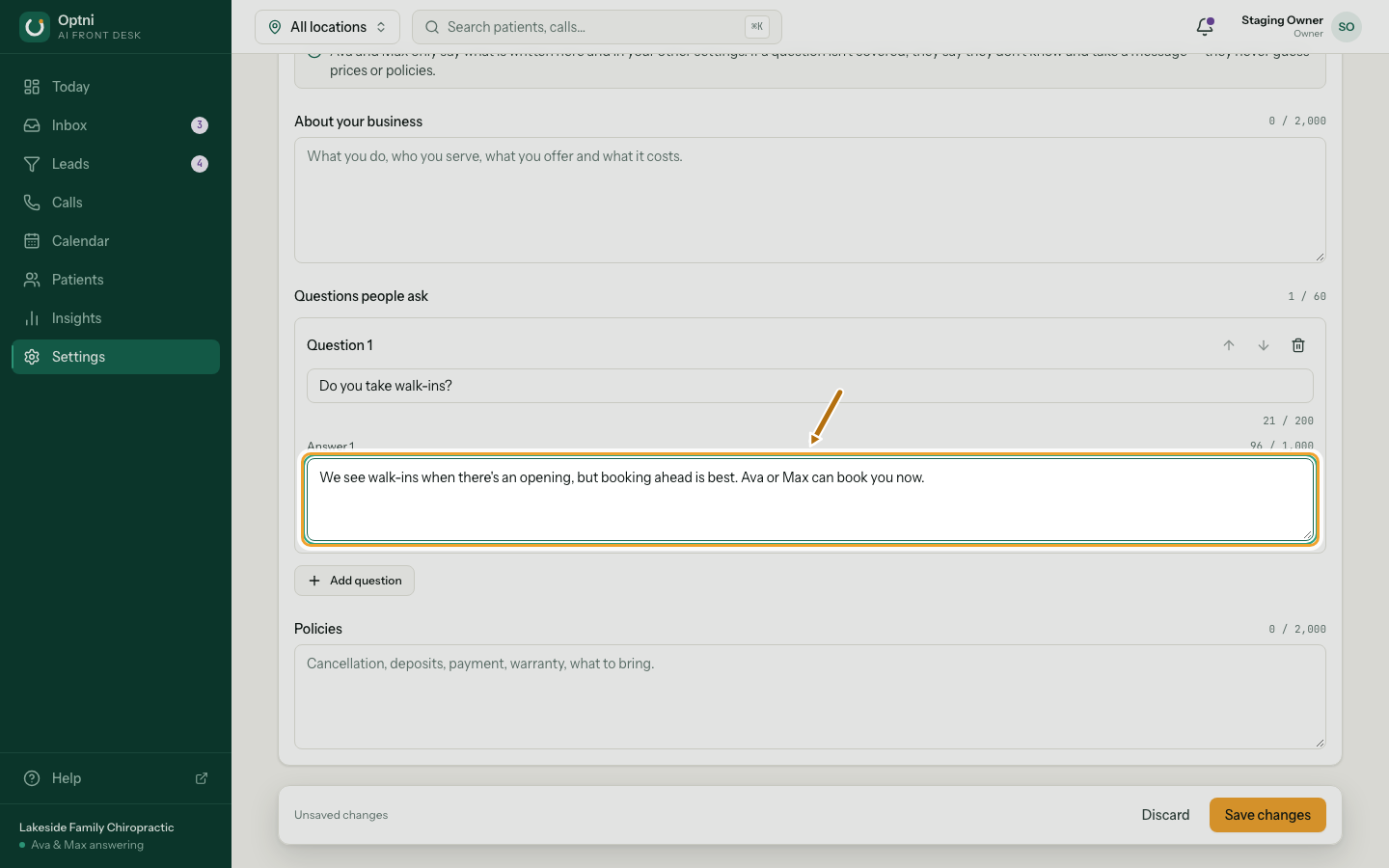
Step 4: Type the question the way a customer asks it, and the exact answer.
Up to 60 questions. Use the arrows to reorder and the bin to remove one.
-
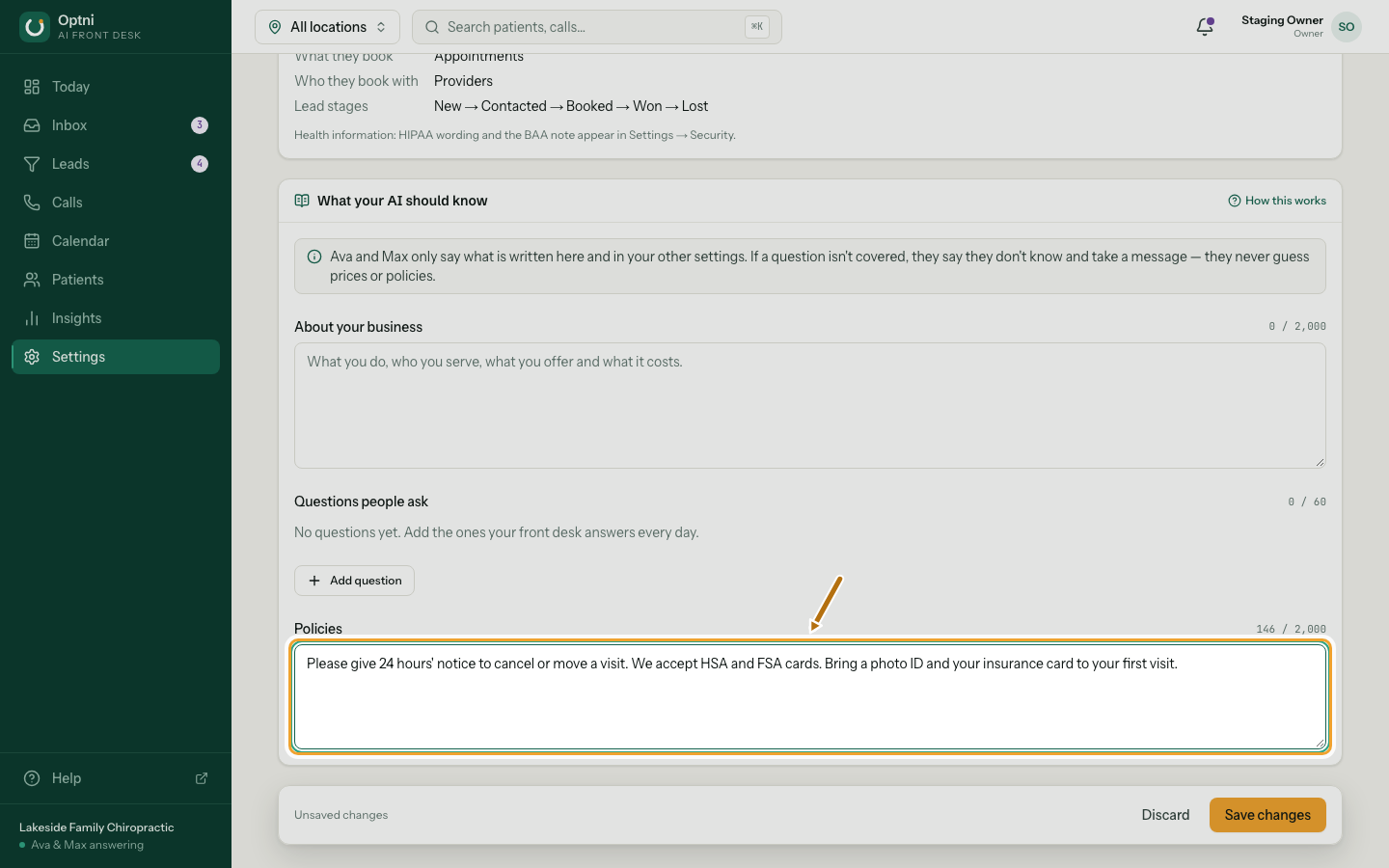
Step 5: Add your policies.
Cancellation, deposits, payment, warranty, what to bring. Up to 2,000 characters.
-
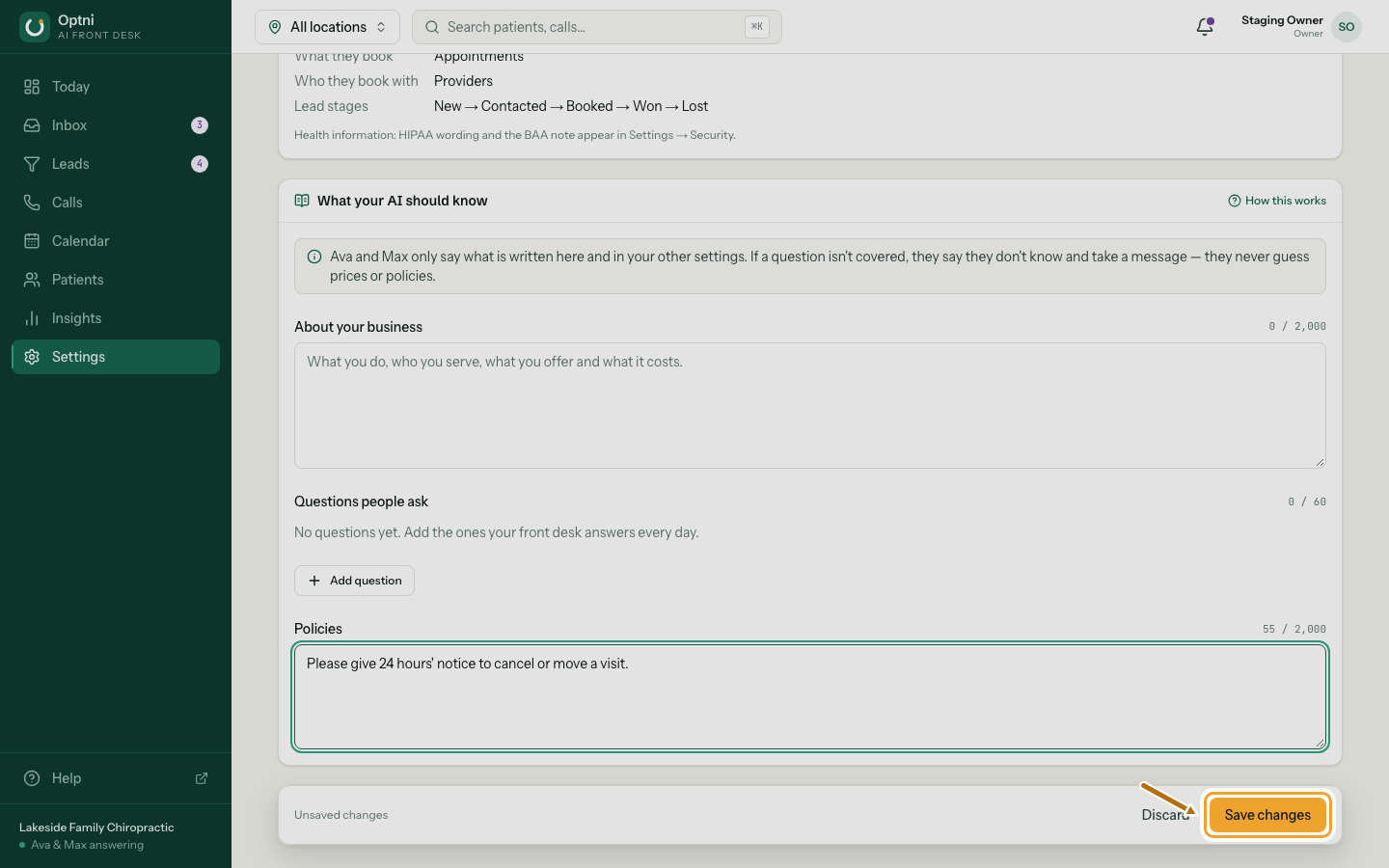
Step 6: Select Save changes.
Ava and Max use the new answers on the next call or text. If something is too long, the box is marked and the message says what to fix.
Writing tips
- Write facts, not marketing. "New patient exams are 45 minutes and cost $85" beats "We offer amazing care".
- Keep numbers and conditions exact. The AI repeats them as written and never adds to them.
- One question per FAQ. Write it how people really ask: "Do you take my insurance?"
- Answer in one to three short sentences. Ava reads them aloud.
- Say what to do next: "Ava or Max can book you now" or "We'll have someone call you back".
- Leave out anything you don't want said on the phone, like staff mobile numbers.
- For healthcare, don't add medical advice. Ava never gives it, whatever this section says.
- Something only one location does (parking, entrance)? Put it in that location's note instead.
Check it
After saving, use Call me to test and ask Ava one of your questions. Check Insights later: fewer transferred calls and messages usually means the answers are working.