Calendar and bookings
Booking types: length, notice and what the AI may book
A booking type is something a customer can book, like a new patient exam, a haircut or a furnace repair. Your industry gives you sensible starting types. Ava, Max and staff all use these rules.
Steps
-
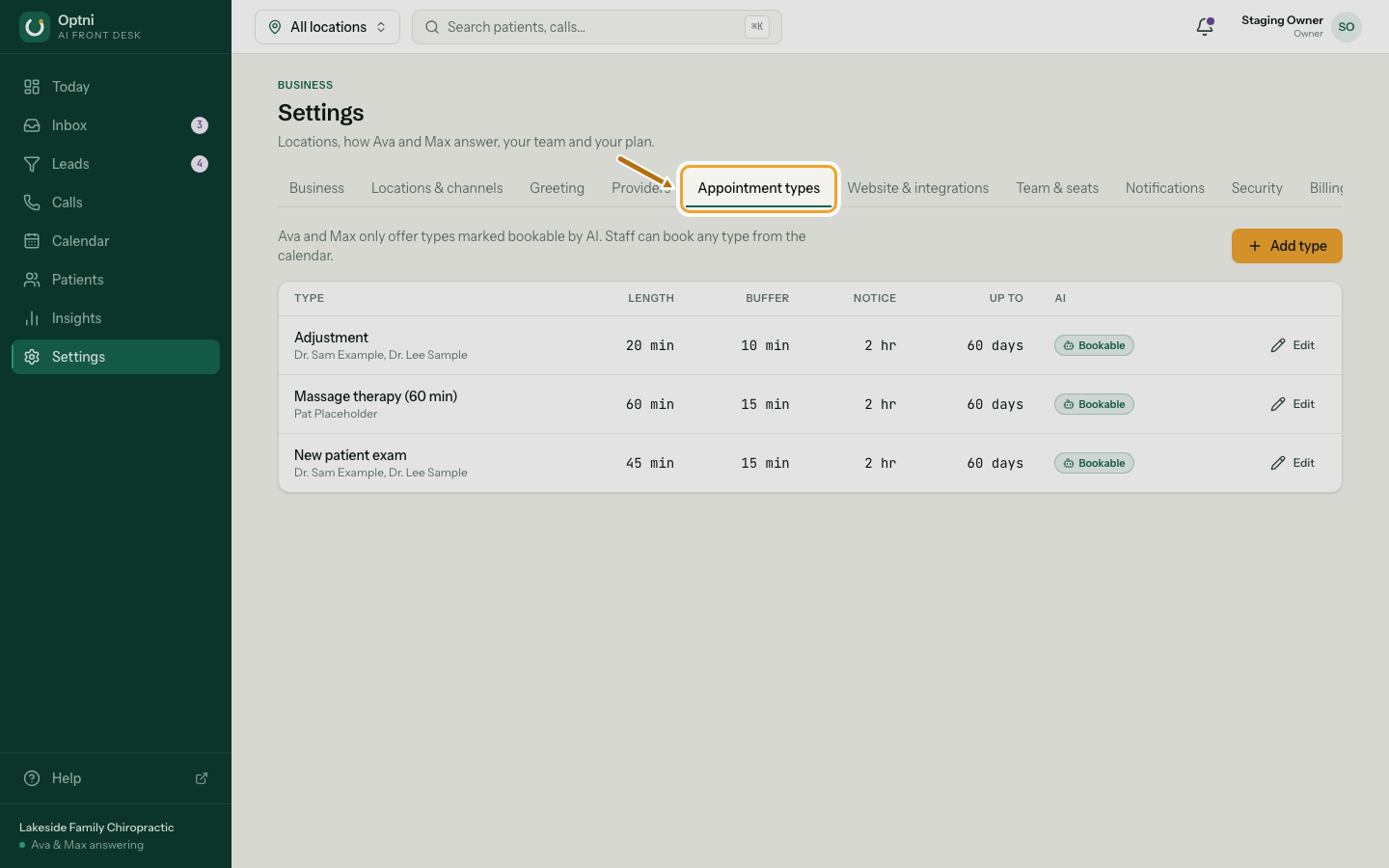
Step 1: Go to Settings → Appointment types.
The tab uses your word, for example Job types.
-
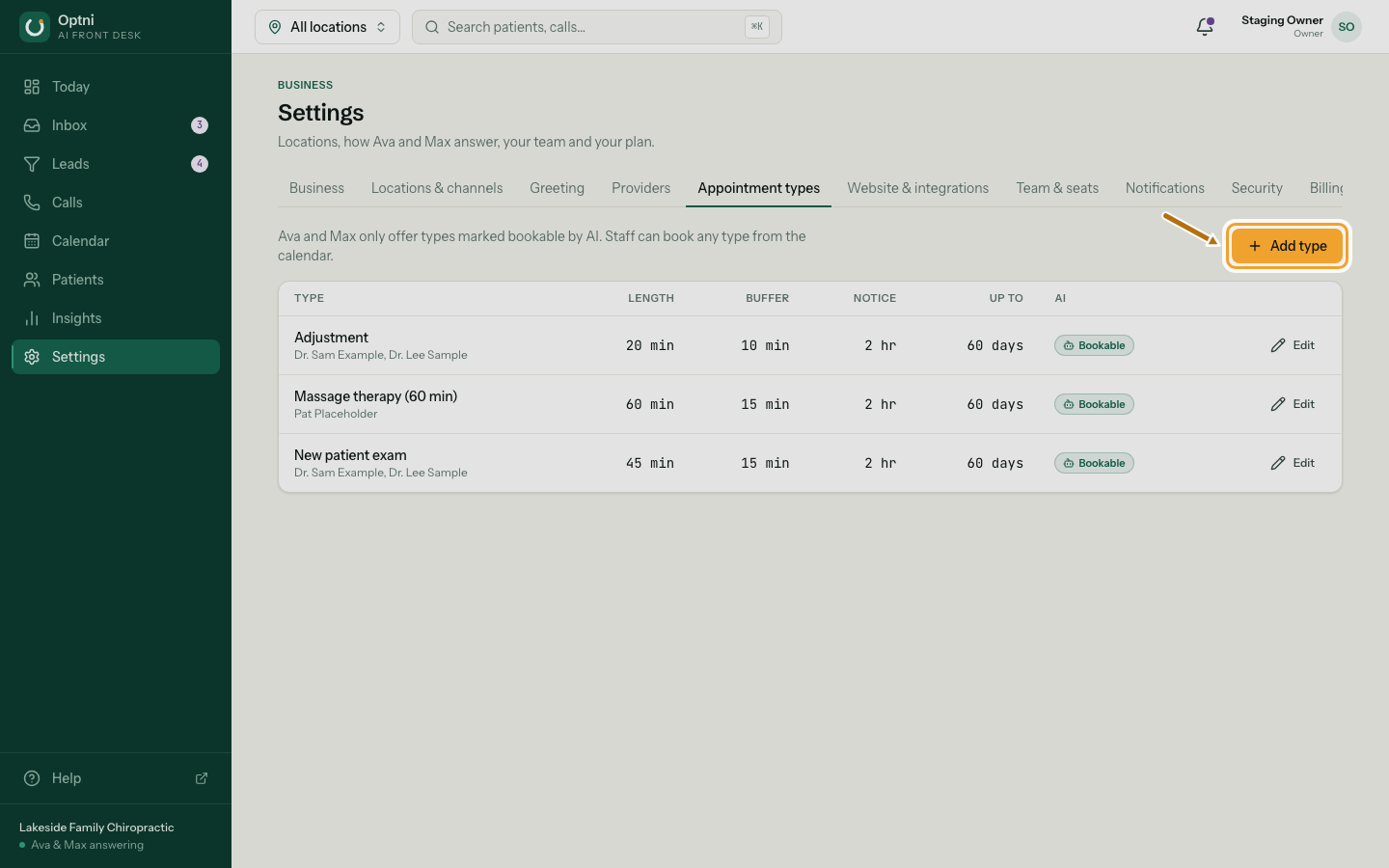
Step 2: Select Add type, or Edit on a type.
-
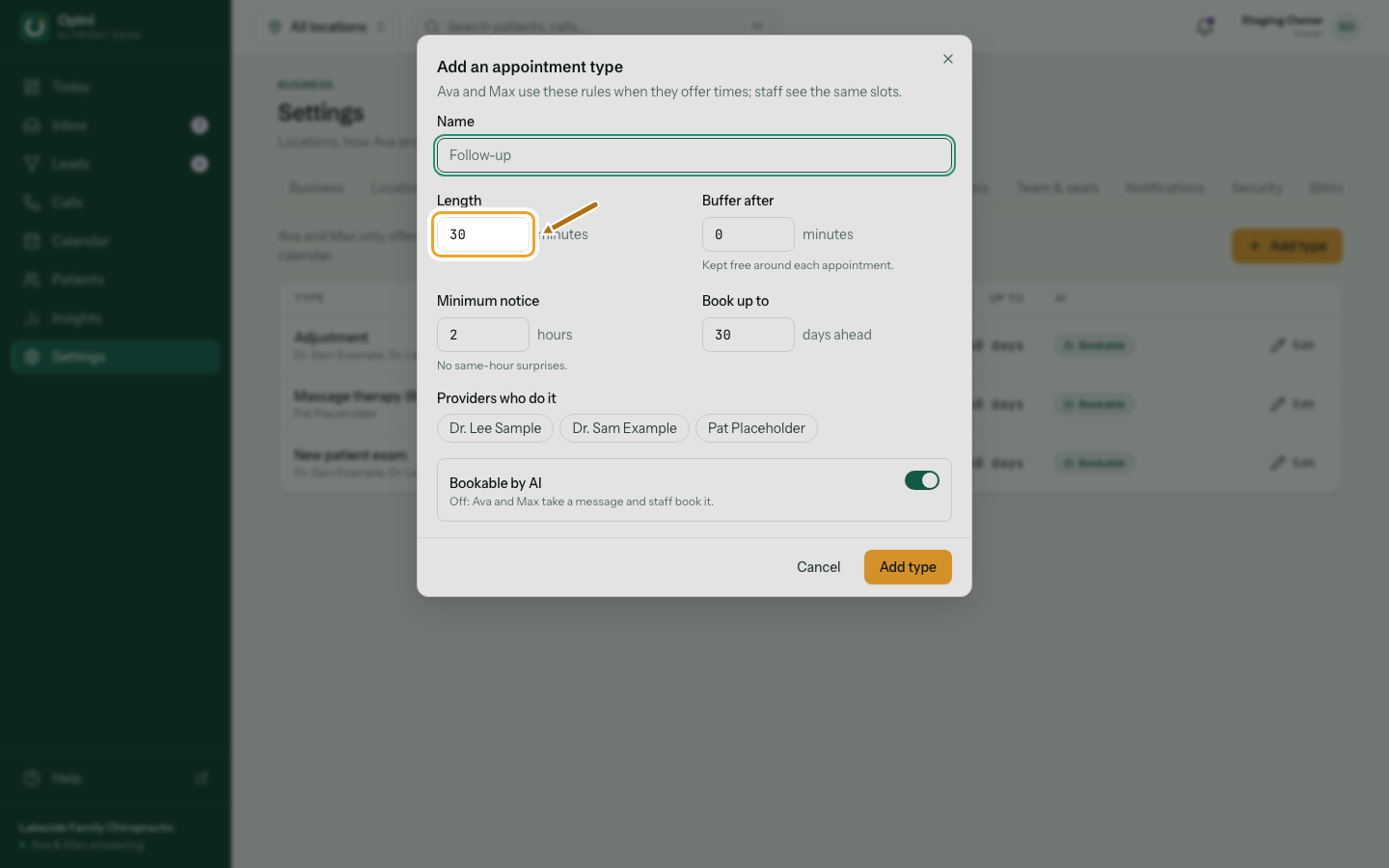
Step 3: Set the name and length.
-
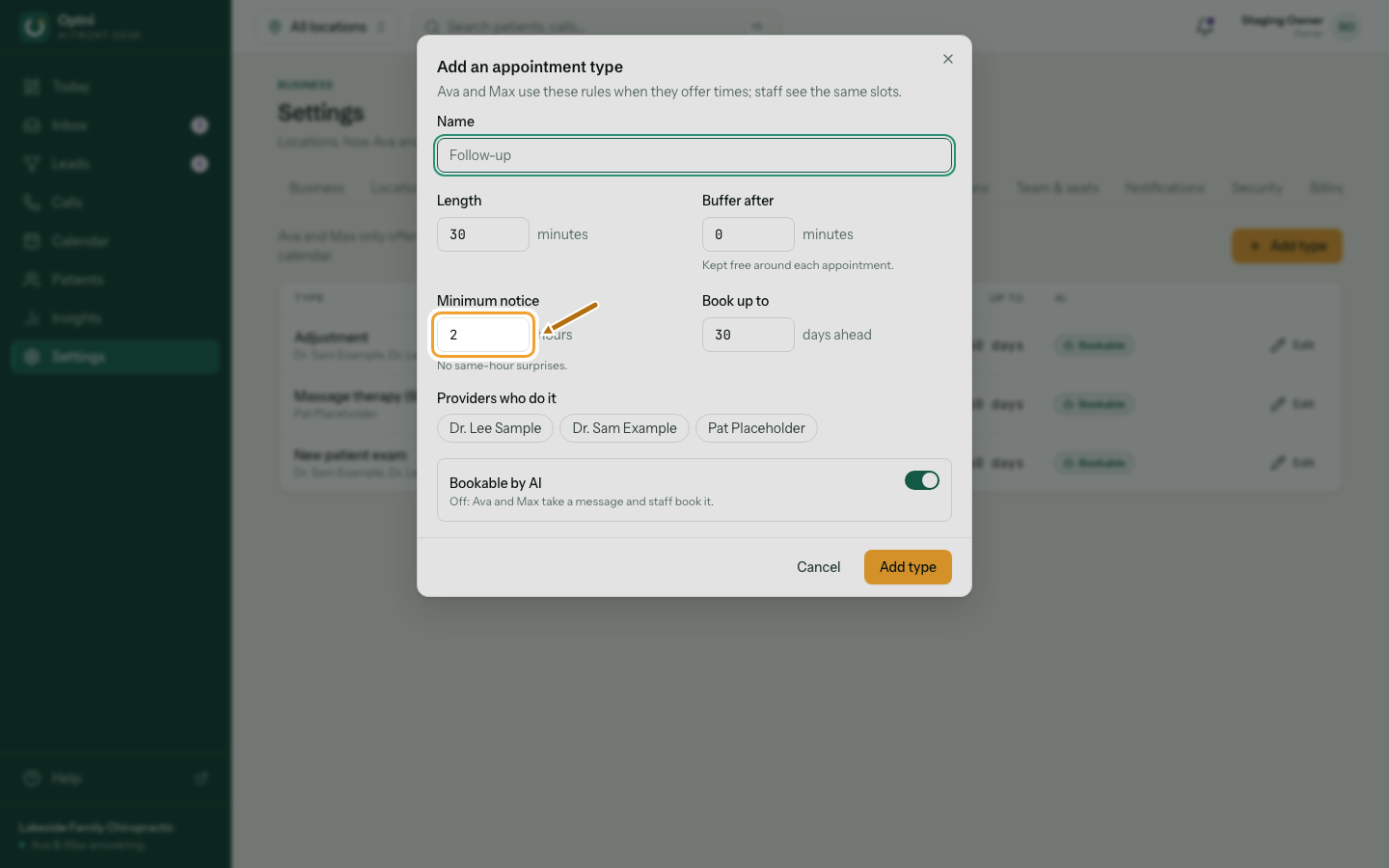
Step 4: Set minimum notice, how far ahead people can book, and the buffer after.
Minimum notice stops last-minute bookings. The buffer leaves time to clean up or travel.
-
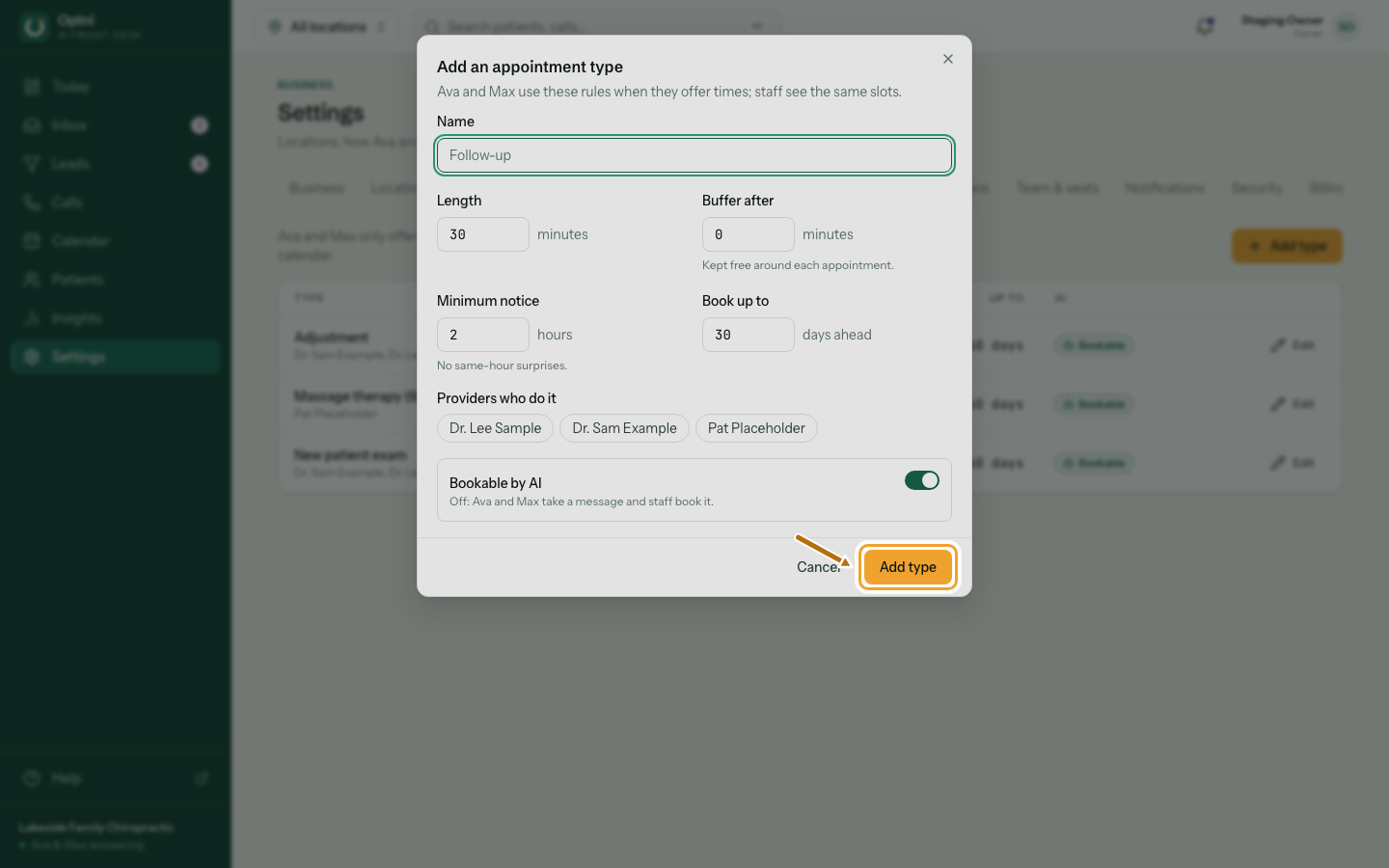
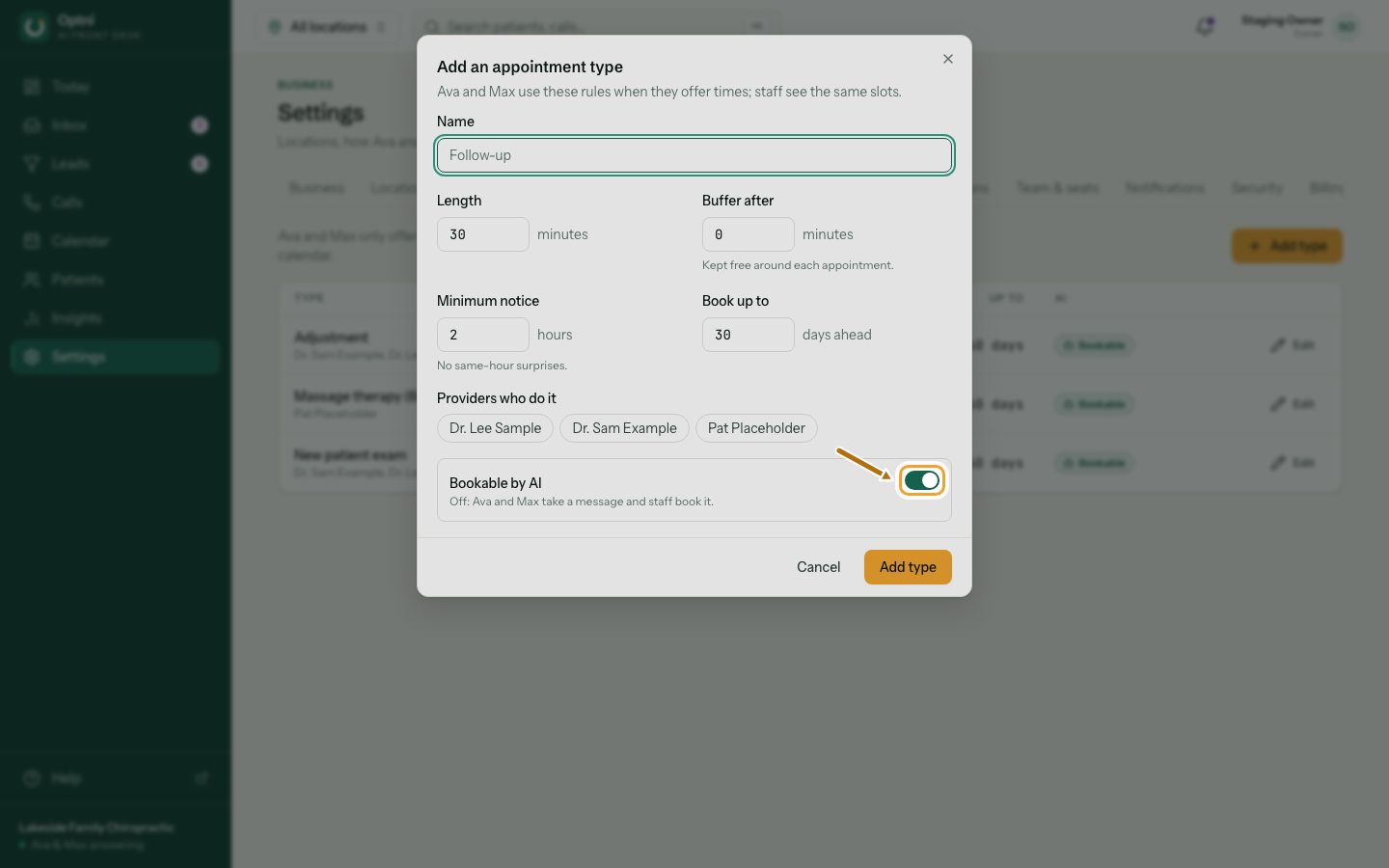
Step 5: Choose whether Ava and Max may book it.
Off means the AI takes a message and staff book it. Use this for anything that needs a person to check first.
-
Step 6: Save the type, then add it to the right providers.
A type is only offered with providers who do it (Settings → Providers).