Getting started
Reset your password
Forgot your password? Ask for a reset link by email. Resetting signs you out everywhere else.
Steps
-
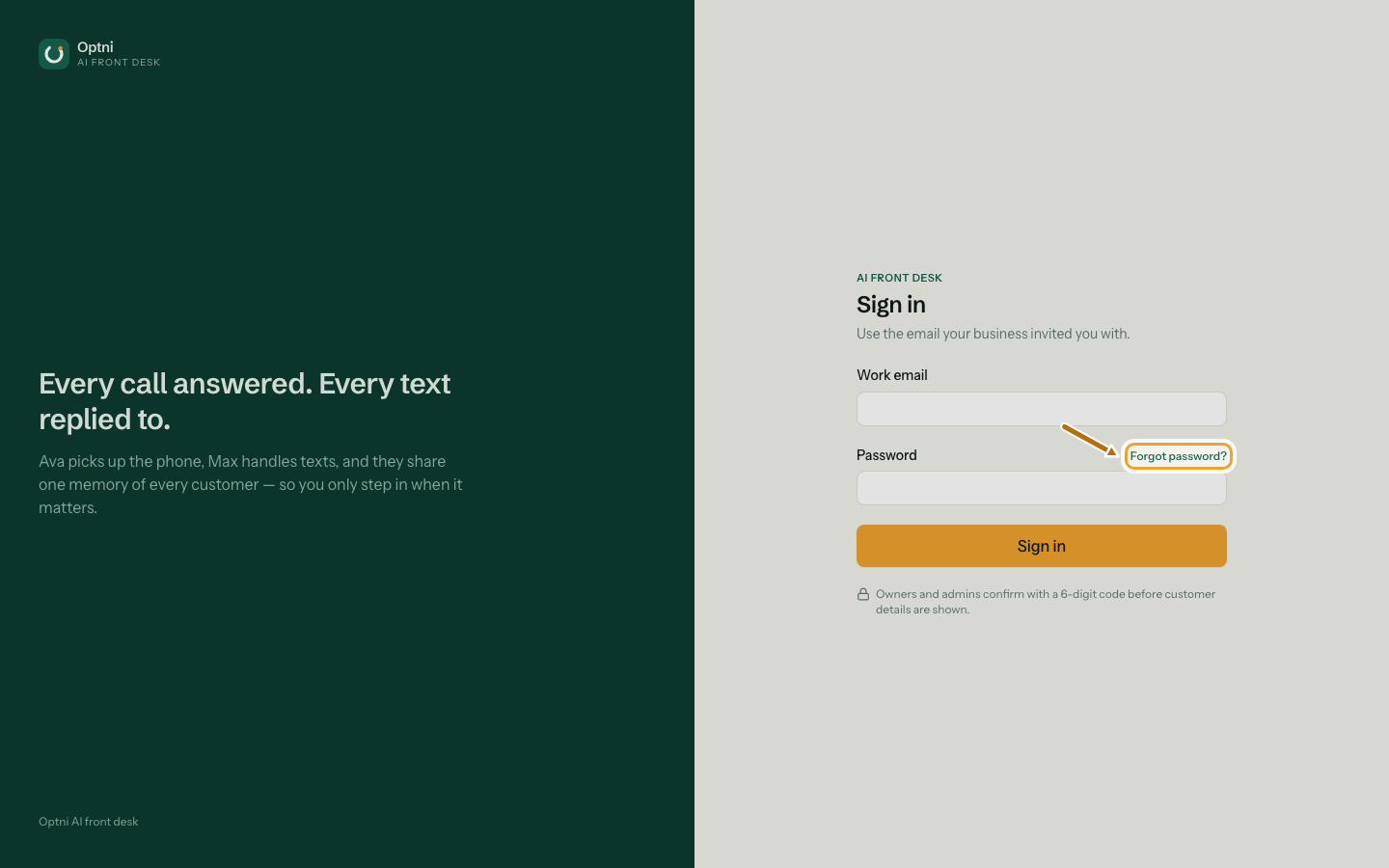
Step 1: On the sign-in screen, select Forgot password?
-
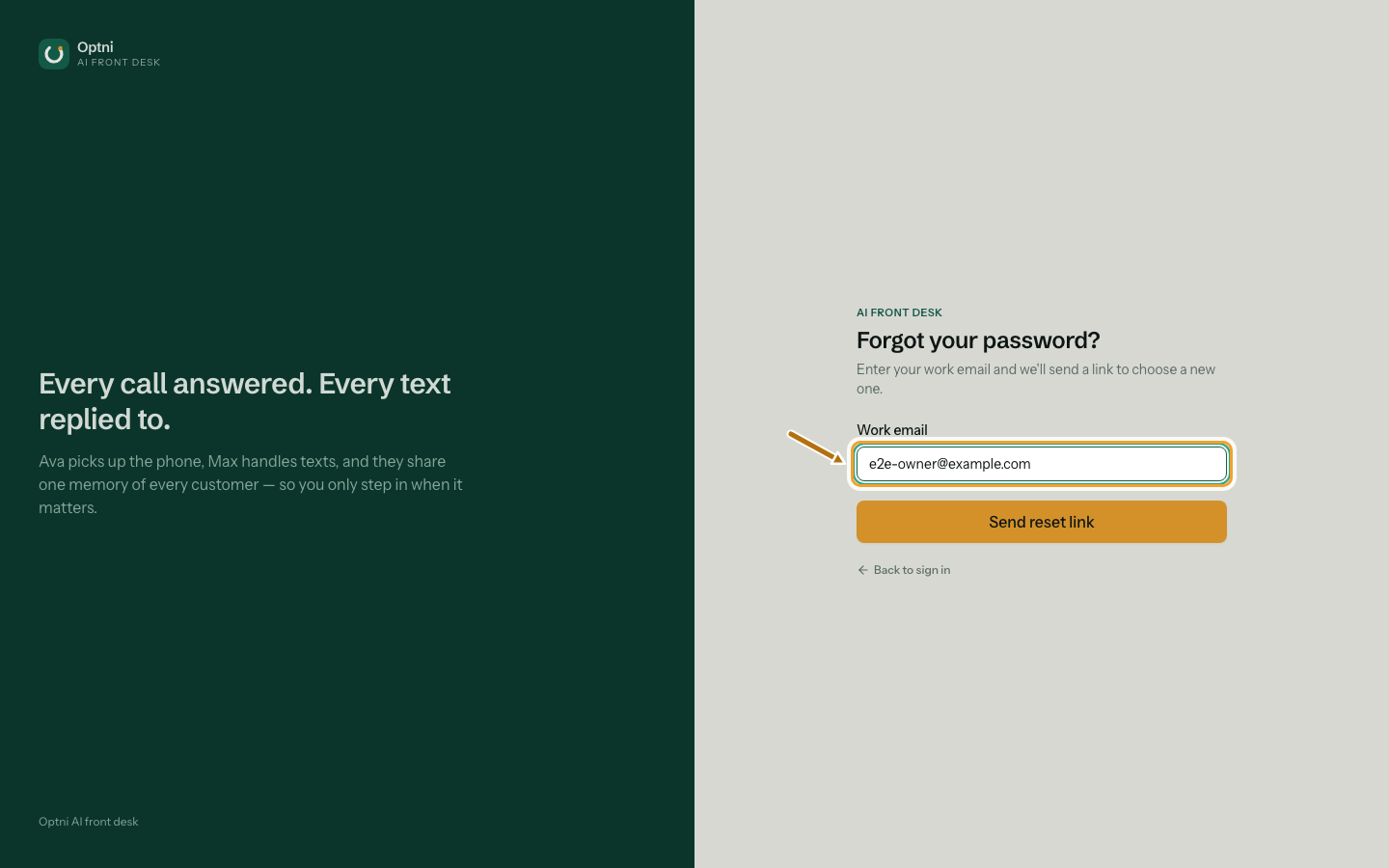
Step 2: Enter your work email and select Send reset link.
For your privacy the screen always says a link was sent, even if the email has no account.
-
Step 3: Open the email and select the link within 30 minutes.
Each link works once. Ask for a new one if it has expired.
-
Step 4: Type a new password twice and select Save new password.
Use at least 12 characters. Then sign in with it and, for owners and admins, your 6-digit code.
Good to know
- A reset signs out every session on every device.
- Two-step verification stays on. A reset never removes it.